2
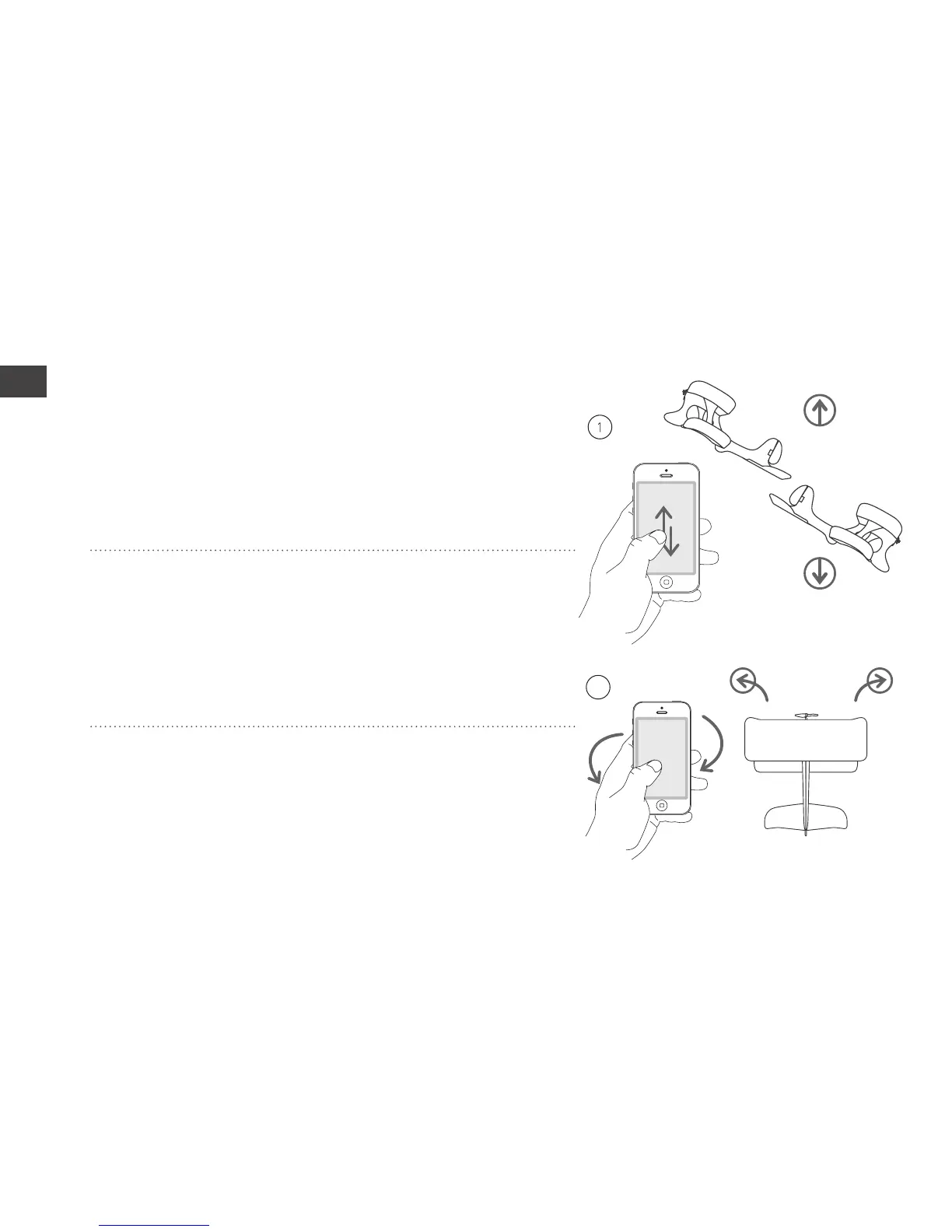
UP
DOWN
RIGHTLEFT
9
Controlling the SmartPlane
Using simple hand movements, the app enables
comfortable and easy control of the SmartPlane.
For this, only one hand is necessary.
1. Speed/altitude: The sliding throttle in the
app, located on the bottom half of the screen,
is controlled with your thumb. By sliding the
throttle up, the airplane gains speed, and with a
downward movement, flying speed is reduced.
2. Turning flight: By tilting the smartphone to
the left or right, turning of the SmartPlane is
initiated. Use stable hand movements and don’t
tilt too much.



 To Next Page