Image magnification icon
will be displayed when you select the x2 zoom option on the Parent unit.
Battery icon
This shows the battery level in your Parent unit. Once it drops below 20% this icon will flash and an audio
alarm will sound to alert you to charge the battery.
When charging, the battery icon will flash and the power on indicator will stay red until the battery is fully
charged, when it will turn green.
Visual meter
Whenever your baby makes a sound that activates the camera in the Baby unit, the visual level meter will light up.
The louder the sound, the more levels will light up. This is useful if you want to turn the speaker volume down
to keep the environment quiet while still monitoring baby’s activity.
How to use the dierent settings
Auto scan mode
In auto scan mode the screen on your Parent unit will show the image from each camera in turn for 8 secs.
If there is no sound detected after 32 seconds the screen will turn o unless you have selected always on mode.
The screen will remain o until one of the Baby units detects a sound, then it will show the view from that camera.
Auto scan cycles through each camera view in this order:
CAM 1 > CAM 2 > CAM 3 > CAM 4
This means that if you are viewing CAM 3 on the Parent unit and CAM 1 detects a sound, the screen will switch
to CAM 1 view and then back to CAM 3 once the sounds stops.
To make sure you never miss any sounds your baby makes, if a Baby unit detects a sound when you are
viewing another camera, this will be indicated by a flashing camera no on your Parent unit. Press OK
to toggle your view between the cameras.
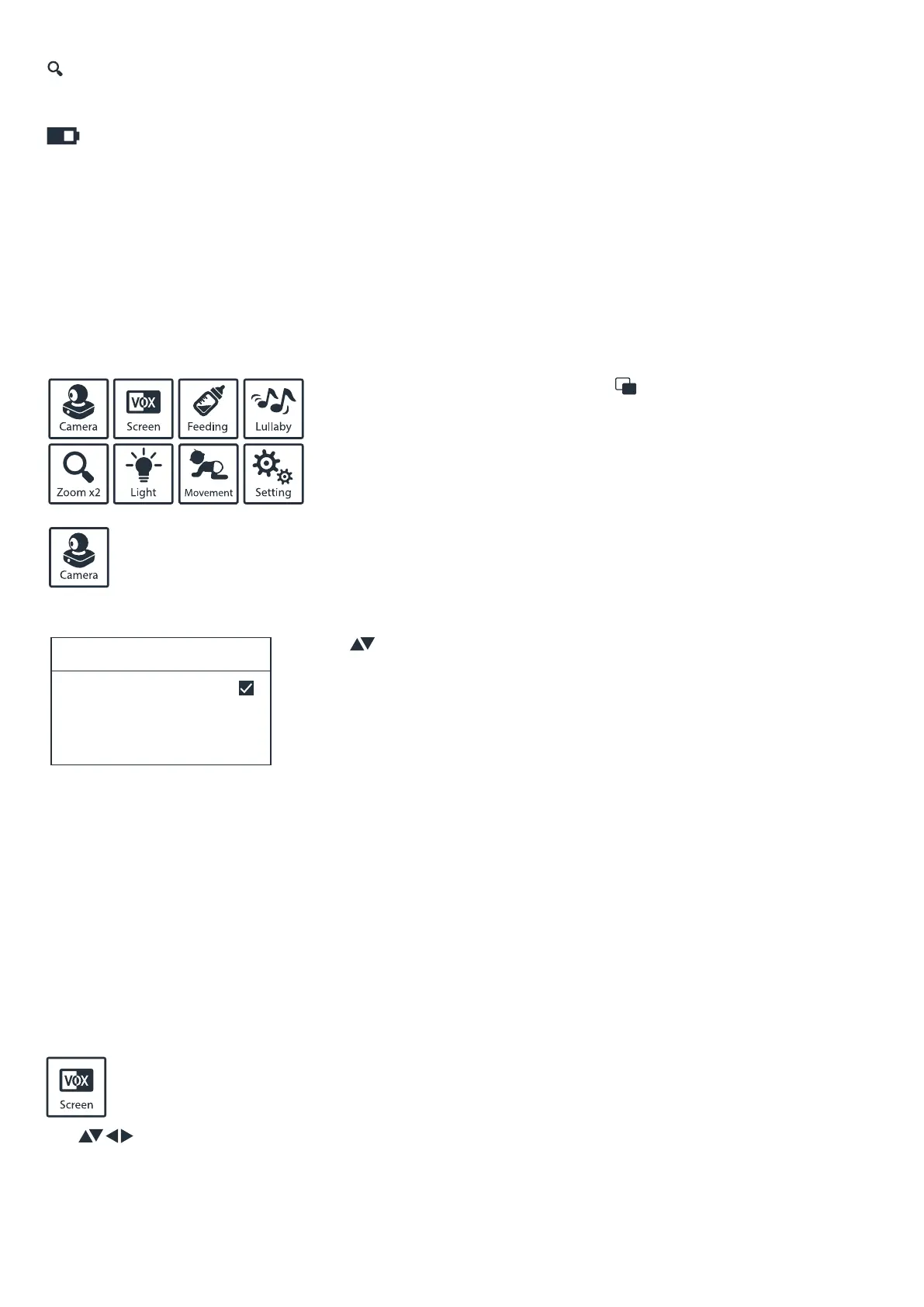
Use to select then press OK to confirm.
To access the settings menu, press the button on the left-hand
side of the Parent unit, navigate using the arrows and press
select/ok to action or exit.
When you have more than one camera linked to the Parent unit you can select the camera you wish
to view using this setting. You can choose to view up to 2 cameras on screen at one time or view each
one in sequence by selecting the auto scan mode.
Note: Additional cameras not sold separately. An additional monitor would need to be purchased.
Choose between “VOX On” or “Screen On” mode. The screen will only come on when detecting
noise from your baby when in VOX mode. It will shut down automatically after a delay of 5 - 25 second
(as selected by you) once your baby stops making a sound.
Use the button to select the camera option you want and press OK to confirm.
Note: In split screen mode, you can only hear sound from one camera,
indicated by a flashing camera number. A short press of the OK button will
switch to sound from the other camera.
Note: Auto movement tracking does not work in split screen mode.
x2
Camera Select
CAM1
CAM2
CAM1+2
Auto scan


 To Next Page
 Loading...