4
1. Front Panel Controls
1. Front Panel Controls1. Front Panel Controls
1. Front Panel Controls
Two Preamp Channels
Two Preamp Channels Two Preamp Channels
Two Preamp Channels —
——
— Lead and Rhythm
Lead and Rhythm Lead and Rhythm
Lead and Rhythm
The Galaxy has two separate preamplifier channels, each with its own unique voicing.
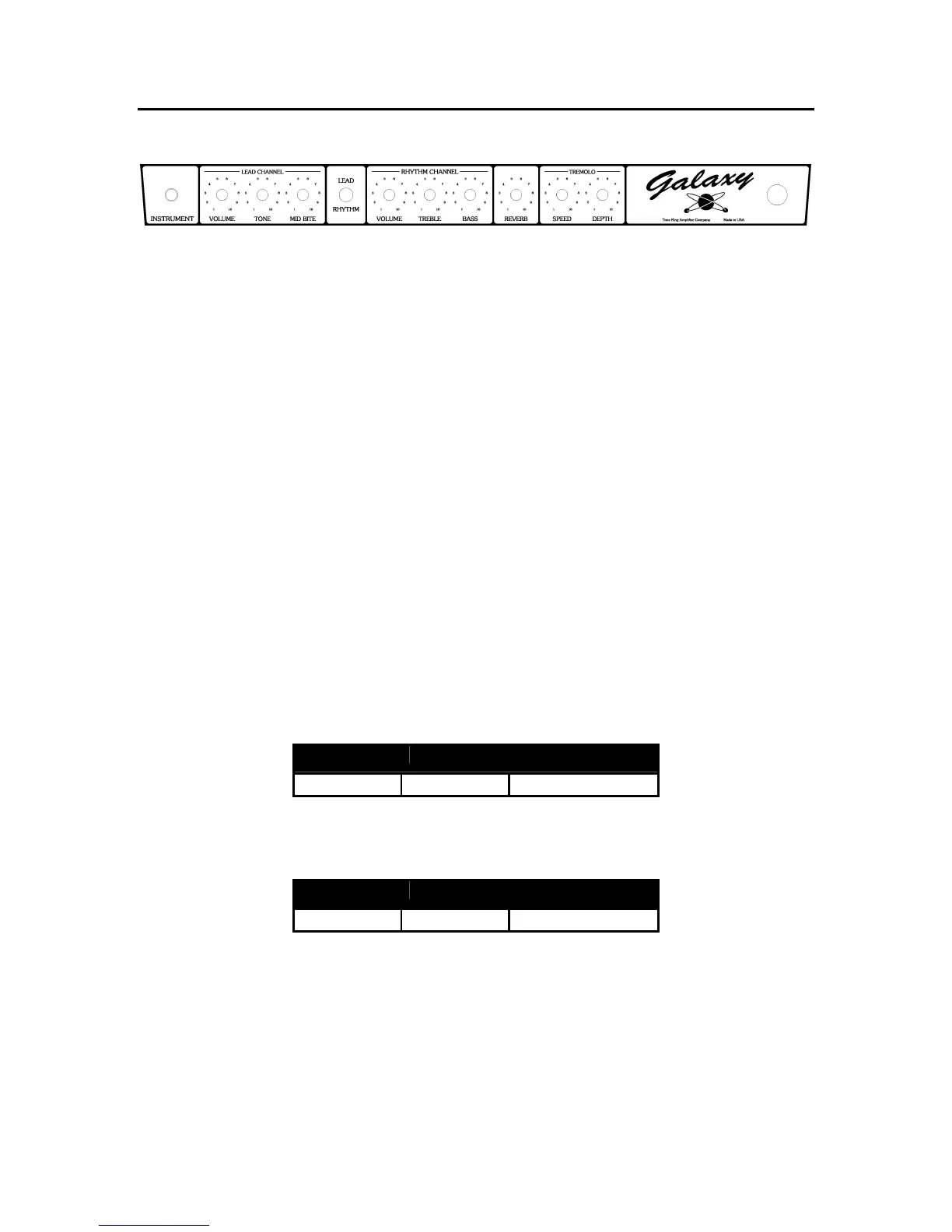
You can switch between the channels with either the “Lead/Rhythm” switch (on the
front panel) or with the “Channel” switch on the footswitch. When using the footswitch,
you should set the front panel switch to the “Rhythm” position. You’ll notice that the
LED on the footswitch indicates the channel selected. When the LED is lit, the Lead
channel is selected. When the LED is not lit, the Rhythm channel is selected.
Rhythm Channel
Rhythm ChannelRhythm Channel
Rhythm Channel
The Rhythm channel includes controls for Volume, Treble, and Bass. This channel is
designed to deliver a “vintage 1960’s clean tone” – the type of tone you might associate
with a well known brand of amplifier made in California during that period. This tone
is characterized by a crisp, present top end, a slightly “scooped” midrange, and a full
bottom end.
The Bass and Treble controls act much like they would on a genuine vintage amp of
this type. The Galaxy is a bit unique in that you’ll find a wide range of usable tones at
just about any setting of the Bass and Treble controls, but here are a few sample
settings to get you started:
1960s Clean Tone
1960s Clean Tone 1960s Clean Tone
1960s Clean Tone
Volume Treble Bass
3 4
6
“Pushed” Clean Tone
“Pushed” Clean Tone “Pushed” Clean Tone
“Pushed” Clean Tone
Volume Treble Bass
6 3
3



 To Next Page