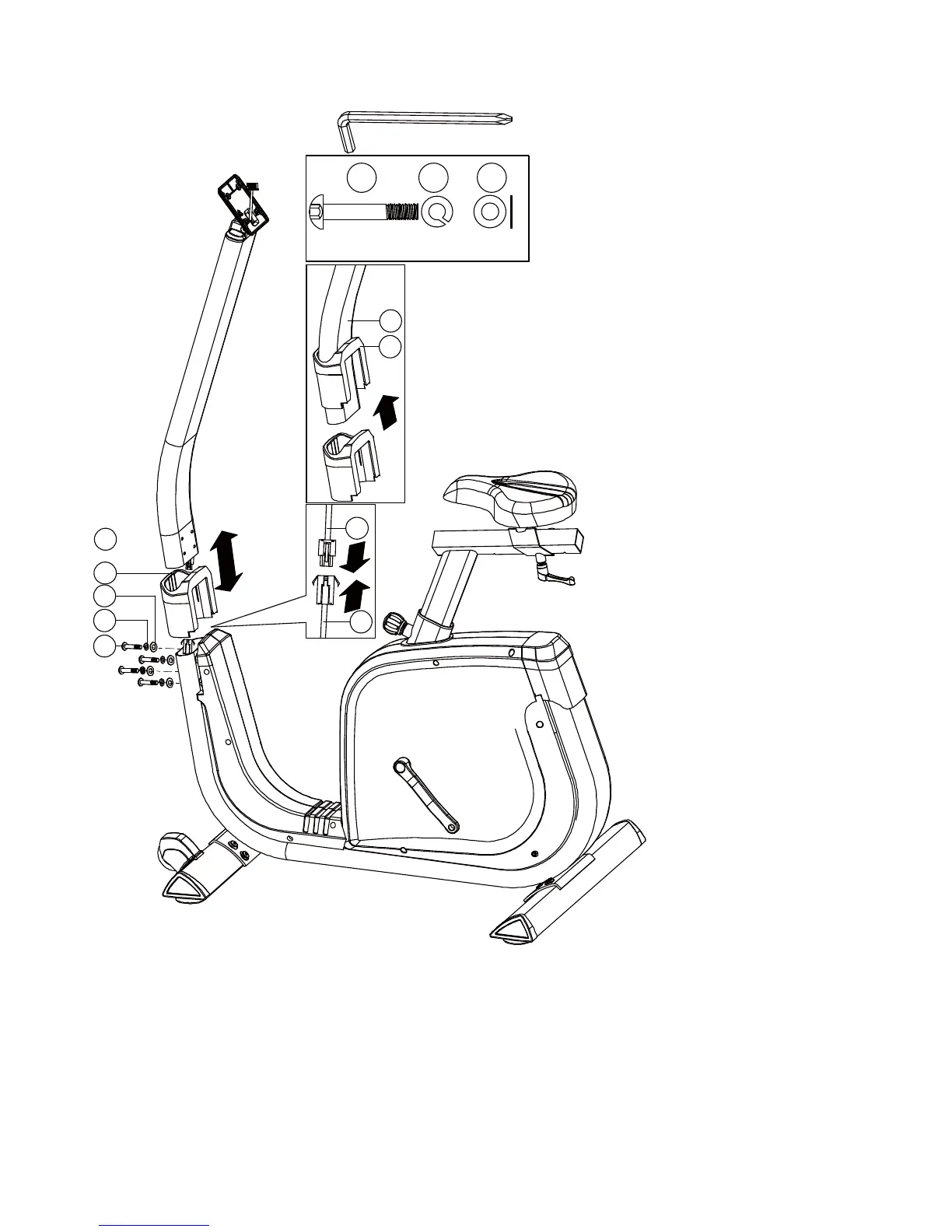
1) Suggest assembling this step by two persons.
2) First, lift up the upper protective cover (28) like Fig a. Then connect the computer
cable (72 & 73) like Fig b.
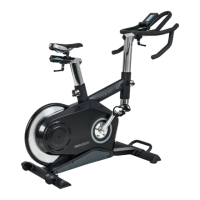
3) Insert the handlebar post (29) on the main frame and tighten it by using the flat
washer (7), the spring washer (8) and the Allen bolt (30). Place down the upper
protective cover and make it tight on the main frame.


 To Next Page