OPERATING PROCEDURE
1.POWER ON
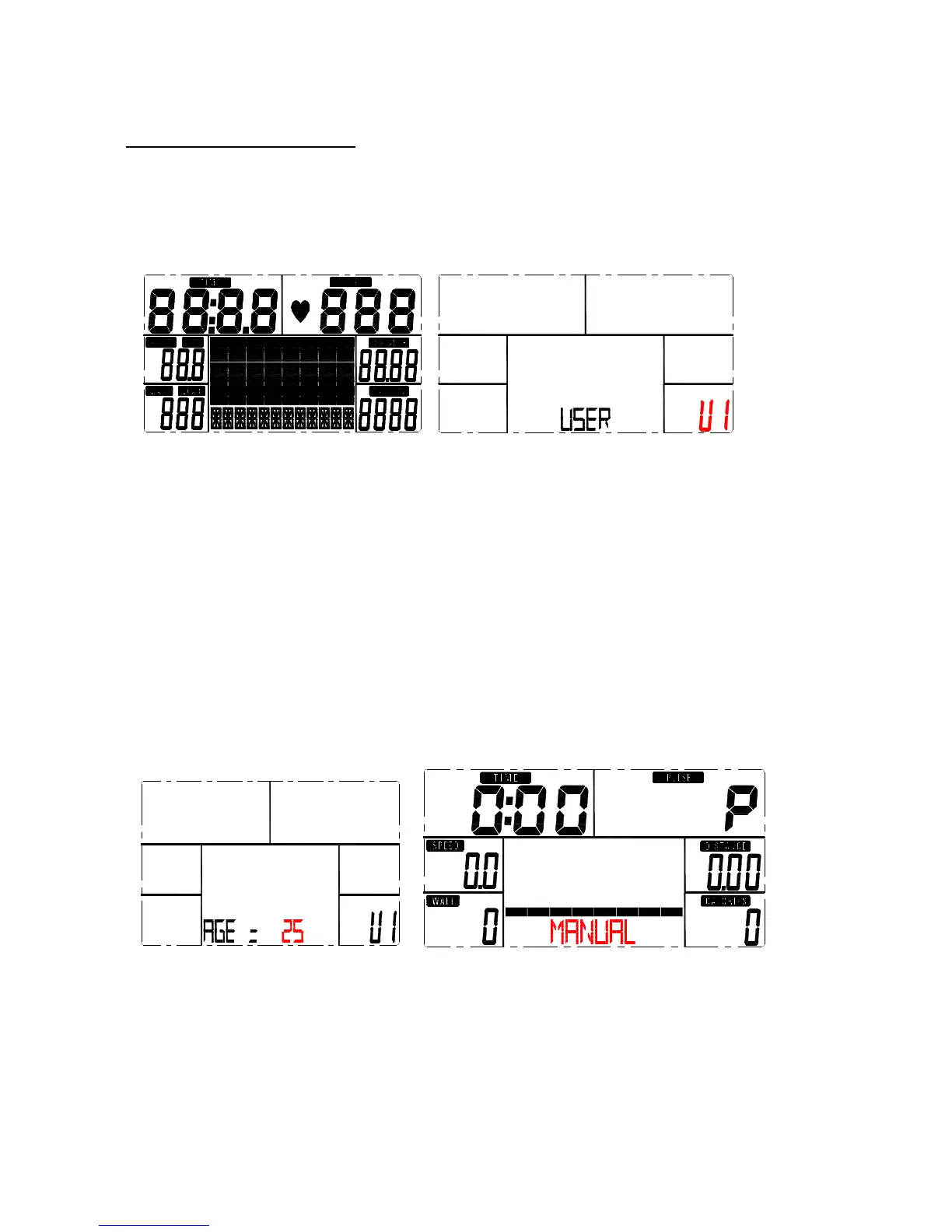
When power on, buzzer sound for 1 second. At the same time, LCD full display 2 seconds (Picture 1).
Then enter into personal data setting.
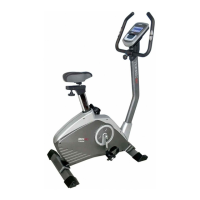
Picture 1 Picture 2
2.USER PROFILE SETTING
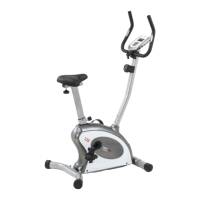
When setting personal data, press UP or DOWN to select: USER U1~U4(Picture2), SEX,
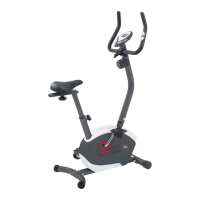
AGE (Picture3), HEIGHT, WEIGHT. Press MODE to confirm. Then come to workout selection
page (Picture 4).
Picture 3 Picture 4


 To Next Page