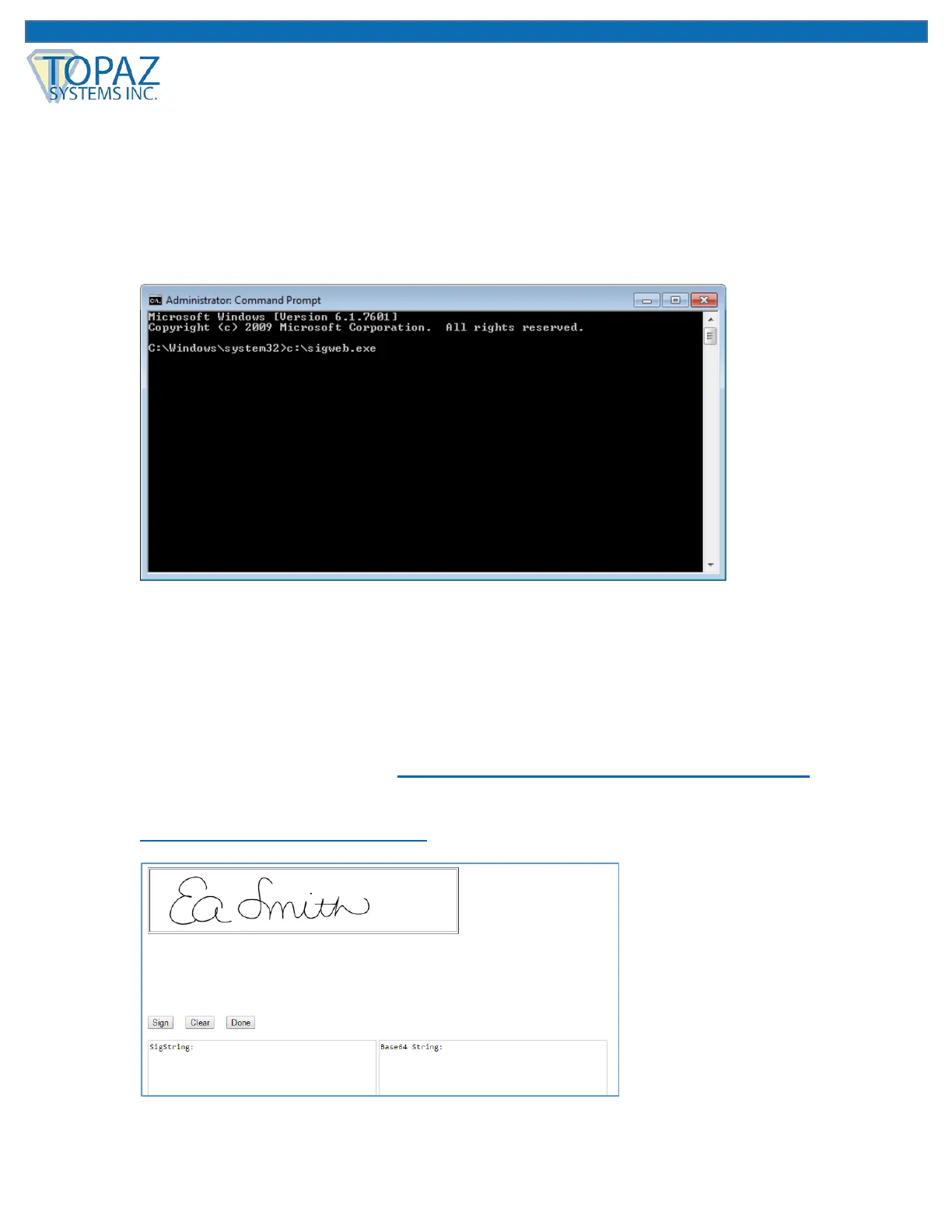
4. In the elevated command prompt window, type in the path to the SigWeb installer:
a. For pad models ending in “-HSB-R”, “-BHSB-R”, and “-B-R”: c:\sigweb.exe
b. For pad models ending in “-BSB-R” and “-BBSB-R”: c:\sigwebbsb.exe
Note: In our example below, we have a T-LBK460-HSB-R pad, so our SigWeb installer
path is: c:\sigweb.exe
Then, click “Enter” to run it. This is a critical step, as it will allow the SigWeb installer
appropriate access for installation purposes. Follow the installer through, making the
appropriate choices for your signature pad as you go.
Note: For pad models ending in “-BSB-R” or “-BBSB-R” (see step 4b above), DO NOT
plug-in the signature pad until prompted to do so by the installer.
5. Once complete, test this page: www.sigplusweb.com/sigwebtablet_demo.htm. Click
“Sign” and sign on your signature pad; your signature will appear in the signature box. If
you cannot see the signature at this point, contact Topaz Dev Support for assistance at:
devsupport@topazsystems.com.



 To Next Page