Re-Installation Steps
Follow Steps 1-4 here if SigWeb has already been installed and you are performing a re-install:
1. Log into your computer using your Administrator-level account.
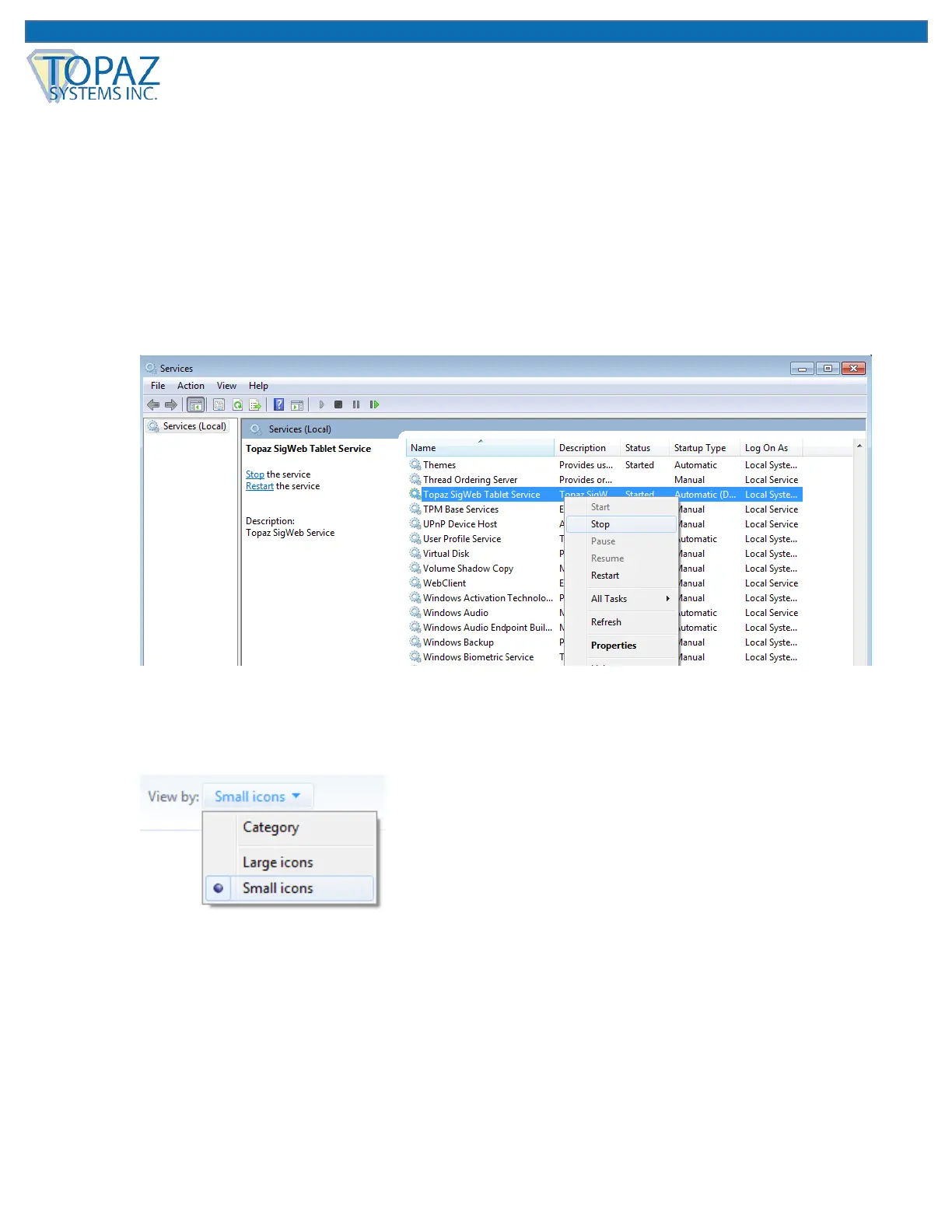
2. In your list of Services (under “Start” “Control Panel” “Administrative Tools”
“Services”), locate the “Topaz SigWeb Tablet Service” and stop it (right-click on it and
choose “Stop”).
NOTE: If you do not see the “Administrative Tools” option under the “Control Panel”,
click “View by:” in the top right of your window, and select “Small icons”.



 To Next Page