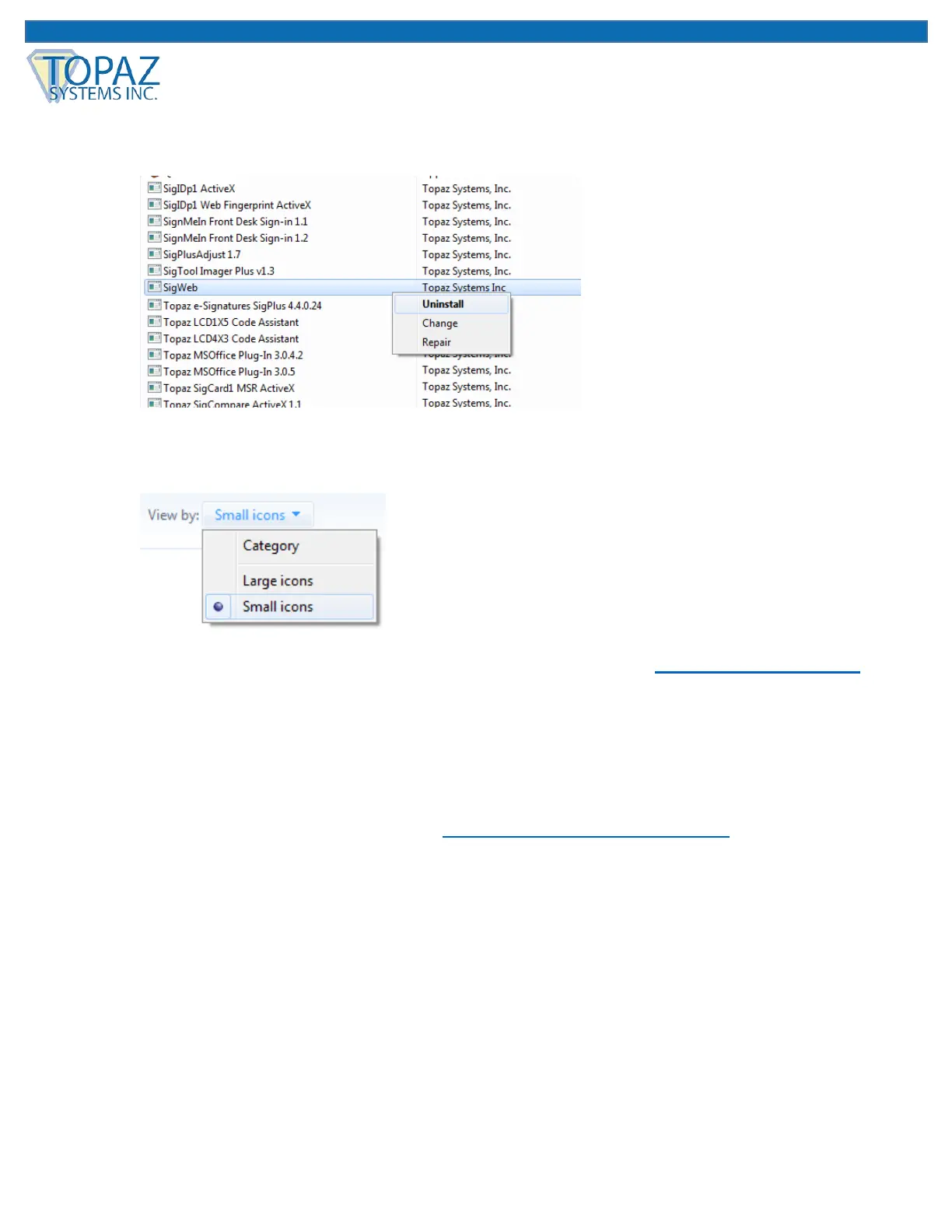
3. Under “Start” “Control Panel” “Programs and Features”, right-click on “SigWeb”,
and choose “Uninstall”. Allow the “Uninstall” to complete.
Note: If you do not see the “Programs and Features” option under the “Control Panel”,
click “View by:” in the top right of your window, and select “Small icons”.
4. Finally, follow the steps in the first section of this guide called “First-Time Install Steps”
in order to install SigWeb properly.
Contact
For support, contact Topaz Dev Support at devsupport@topazsystems.com.



 To Previous Page