ENGLISH
7
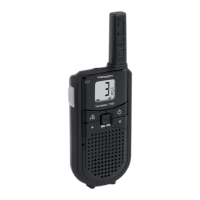
Twintalker 7100 Sport Pack
13.9 VOX Selection
The PMR is capable of voice activated (VOX) transmission. In VOX mode, the radio will transmit
a signal when it is activated by your voice or other sound around you. VOX operation is not
recommended if you plan to use your radio in a noisy or windy environment.
13.10 Channel Scan
Channel scan performs searches for active signals in an endless loop from channel 1 to 8.
Once an active channel is found you have the option to search for the CTCSS code or the DCS
code that is set by the user who is broadcasting on the channel.
13.10.1 Scanning for an active radio channel
Once an active channel is found, the scanning will stop and you can listen to the transmission.
When the transmission on the found channel stops, the scanning will resume automatically.
13.10.2 Scanning for a CTCSS code
When an active channel is found press the PTT button to select the found active channel.
Now you have to option to search for the CTCSS/DCS code that is used by the found user.
Once there is a transmission on the channel, the CTCSS code (if used) will be detected and
displayed.
13.10.3 Scanning for a DCS code
Once there is a transmission on the channel, the DCS code (if used) will be detected and
displayed.
13.11 Call Tones
A call tone alerts others that you want to start talking.
13.11.1 Setting the Call Tone
The Twintalker 7100 has 15 call tones.
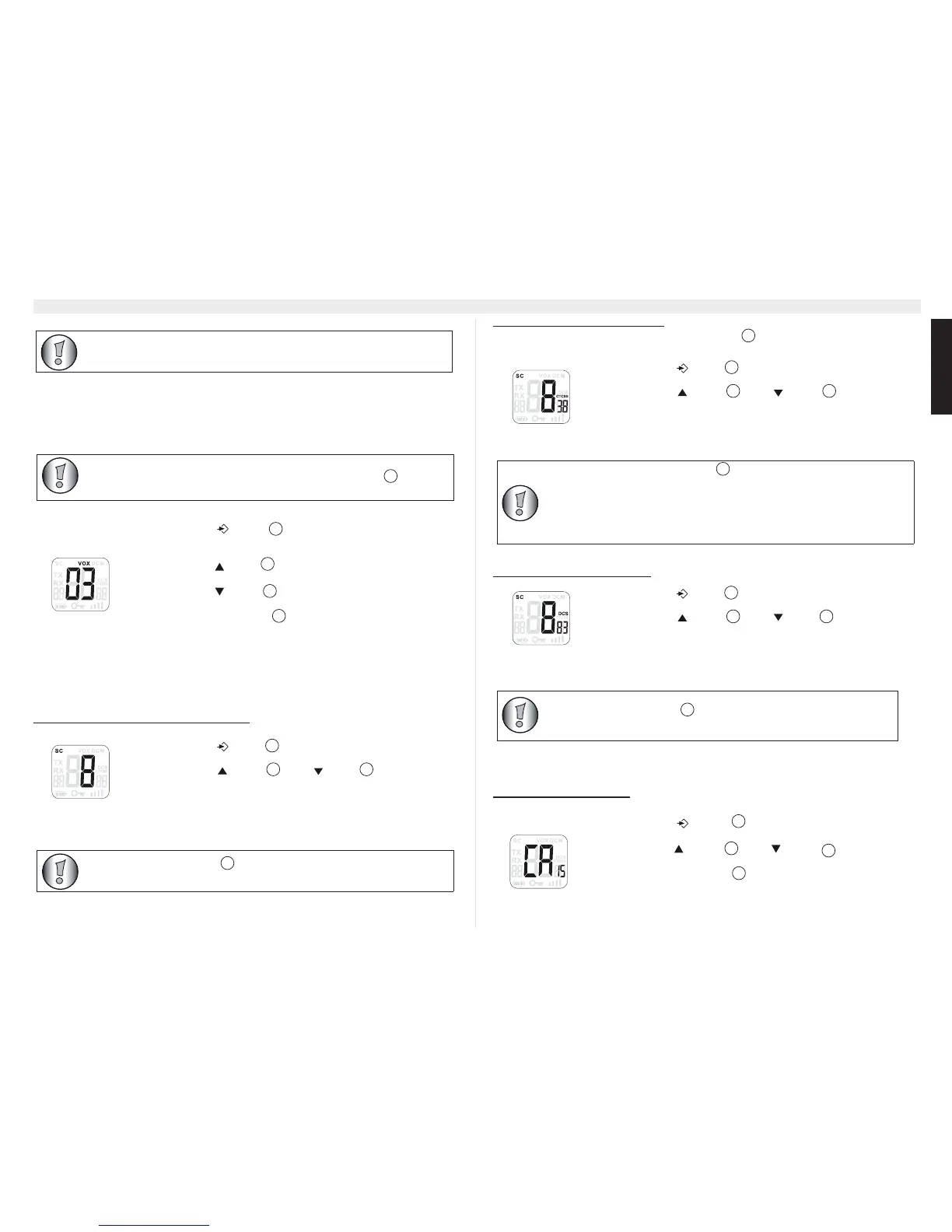
• Press the - button four times, the current VOX
setting flashes on the display and the VOX icon is
displayed.
• Press the -button to set the VOX sensitivity level
between 1 and 3 (level 3 is the most sensitive level).
• Press the button until ‘OF’ appears on the display,
to turn VOX OFF.
• Press the PTT - button
to confirm and return to stand-by
mode.
• Press the -button five times : "SC" and the current
channel flashes on the display.
• Press the -button or the -button to start the
channel scan.
During channel monitoring the receiver circuit in the PMR will not listen to
CTCSS or DCS codes.
VOX mode will be overrided when you press the PTT - button .
11
5
9
• Press the -button six times : "SC" and "CTCSS 00"
flashes on the display for the selected radio channel.
• Press the -button or the -button to start the
CTCSS scan.
• Press the -button seven times : "SC" and "DCS 00"
flashes on the display for the selected radio channel.
• Press the -button or the -button to start the
DCS scan.
• Press the - button
eight times, “CA” is displayed
and the current call tone is flashing.
• Press the - button or the - button to change to
another Call Tone.
• Press the PTT - button to confirm and return to stand-by
mode.
11


 To Next Page
 Loading...