MC-i3 GNNS FW update via GX-60 or PC
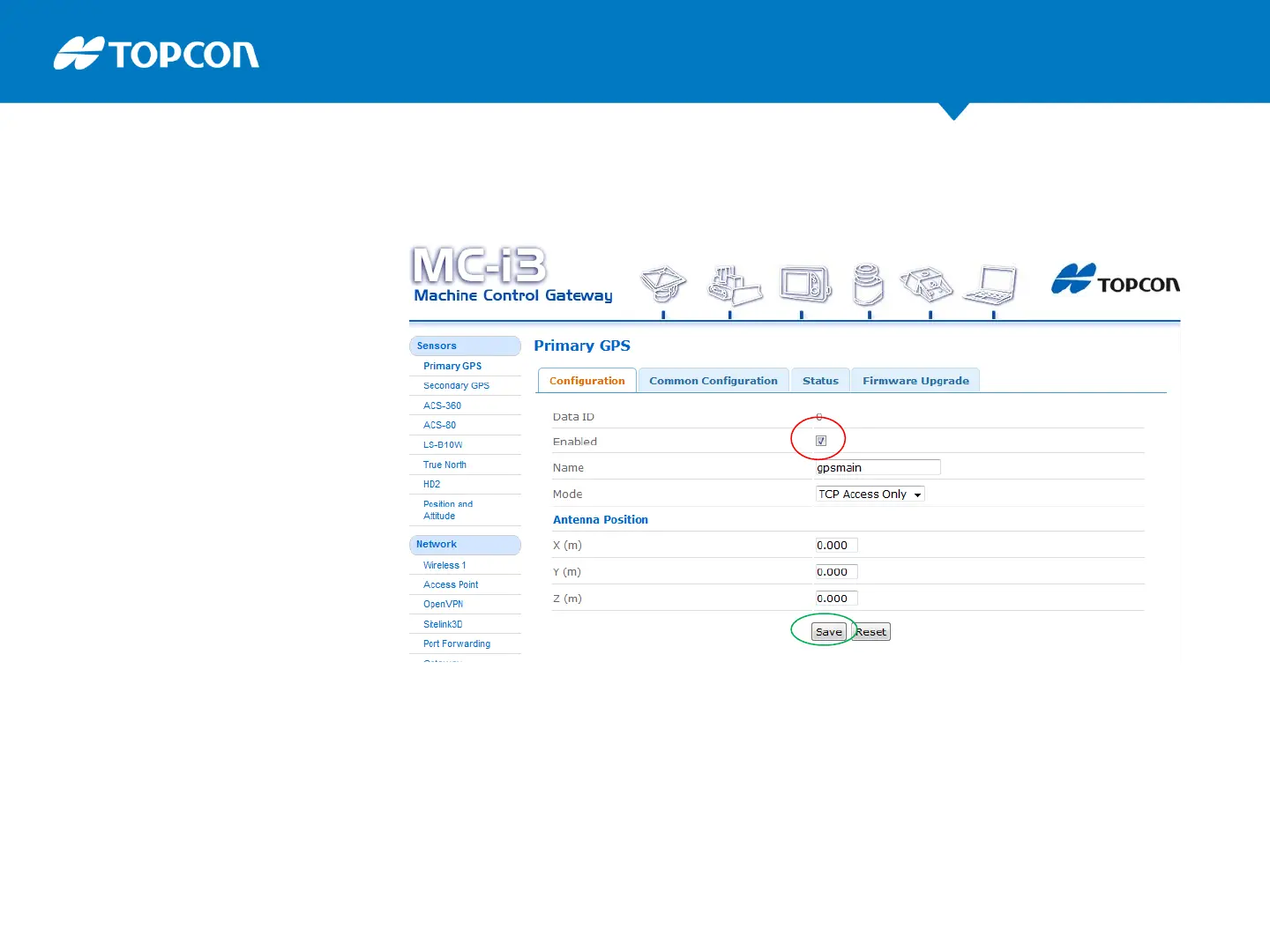
Primary GPS
uncheck “Enabled” to disable
gps communication to SLR3.
In case of dual GPS:
Secondary GPS
uncheck “Enabled” to disable
when you update the firmware
for this card too.
Save this and go to
Firmware Upgrade tab.(next slide)
After update and reboot tick “Enabled” in the configuration tab again to
restart using the gps communication to the SLR-3 .(do not forget!)



 To Next Page