32
You can send the last 20 test records to us by using “Feedback” feature for timely technical
assistance if you encounter any unsolved problems in the diagnostic process.
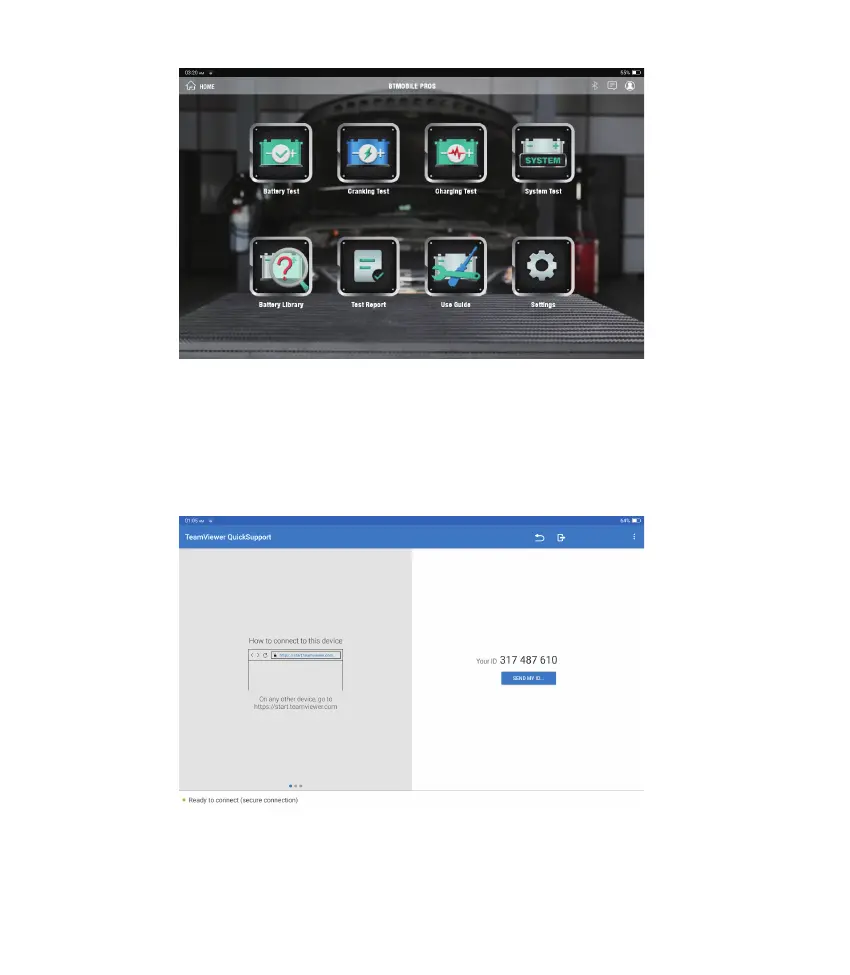
Tap “Feedback” on the Home Menu. The following page will appear:
In this function, you can request remote assistance through third-party software [teamview].
By sending your device ID number to the remote technician or after-sales personnel, you
can authorize the other party to remotely operate the Phoenix Elite device, so as to guide
you to the problems encountered in the process of using the device.
7. Feedback
6. Support
Notes: TESTER function requires additional hardware (optional), which needs to be purchased.












 To Next Page