36
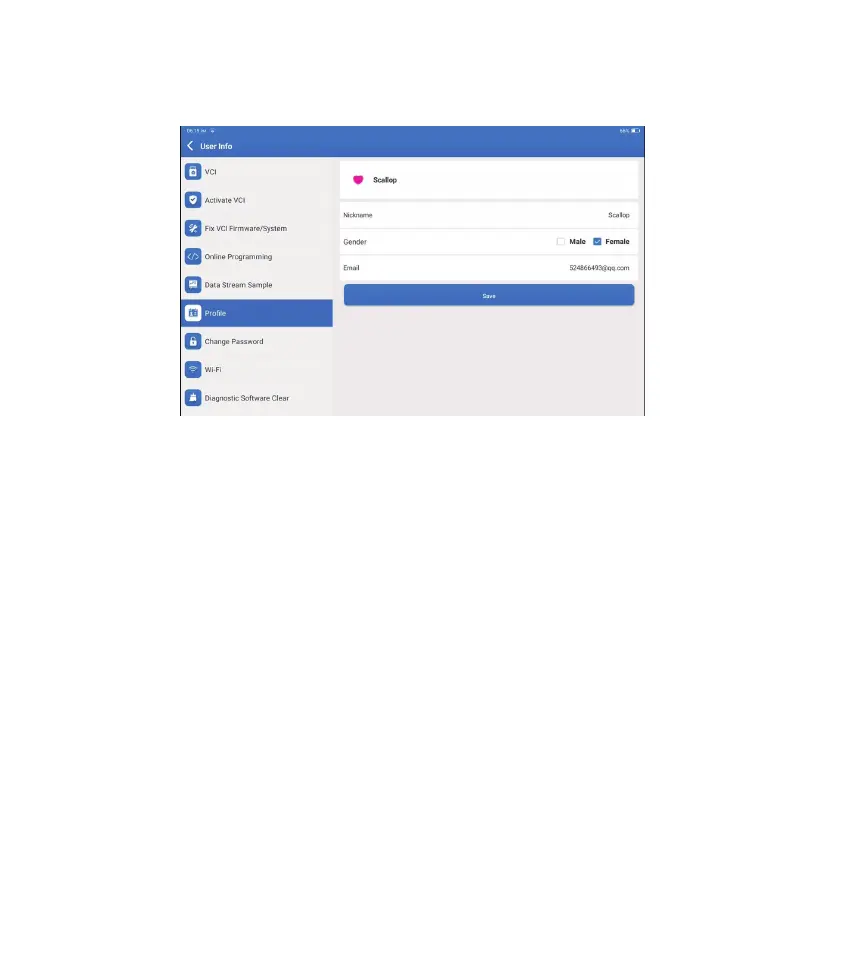
You can modify or add related information in this module, or make settings.
11. User Info
11.1 VCI
11.2 Activate VCI
11.3 Fix Connector Firmware/System
11.4 Data Stream Sample
11.5 Profi le
11.6 Change Password
This option allows you to choose the suitable VCI dongle if there are several dongles
registered on this tablet.
This option can activate a new VCI dongle.
Input the Serial Number and Activation Code, and then tap “Activate” to activate the VCI
dongle. Its serial number will be displayed in the list after the procedure.
This option can repair the connector firmware. Please don’t power off or switch
interfaces in the process.
This option manages the recorded data stream sample les.
To set and manage personal information.
This option can change the login password.












 To Next Page