8
4. Turn the ignition on. The engine can be off or running.
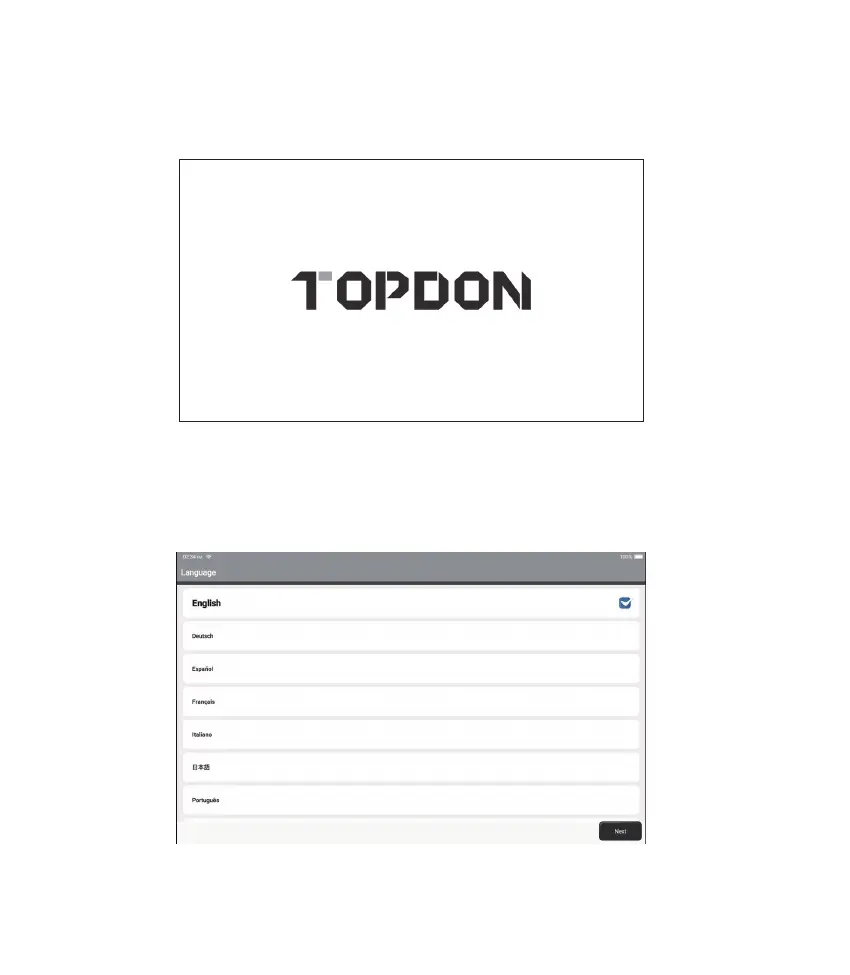
5. Fully charge the Phoenix Elite, and hold the power button for 3 seconds to turn the tablet
on. The tablet will start initializing and enter the following interface:
6. Language Setting
Select operating language in the following interface:
Note: Don’t connect or disconnect any test equipment with the ignition on or engine running.












 To Next Page