24
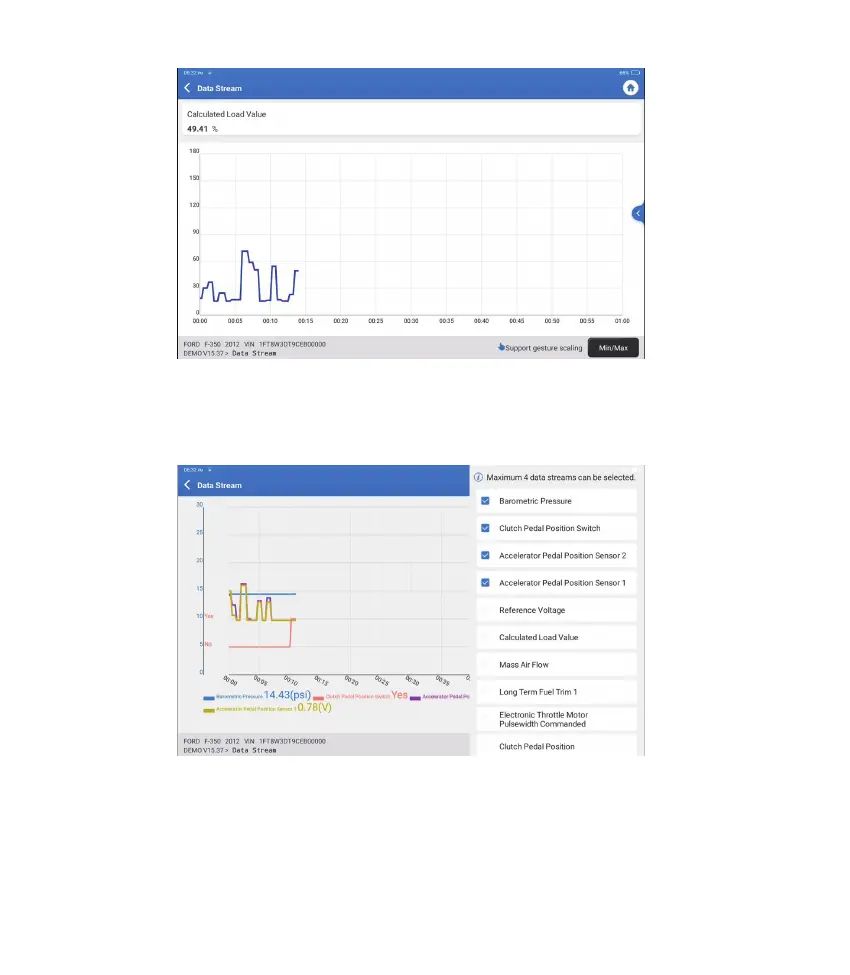
Tap “Min/Max” to de ne the maximum/minimum value. Once the value goes
beyond the speci ed value, the data will be shown in red.
Tap “<“ on the right side of the screen. The following page will appear:
You can select speci c data stream options to be viewed on the left.
Note: A maximum of 4 data streams can be displayed in this module.
E. Actuation Test
This option is used to access vehicle-specific subsystem and component
tests. Available tests vary by vehicle manufacturer, year, and model.












 To Next Page