11
EN
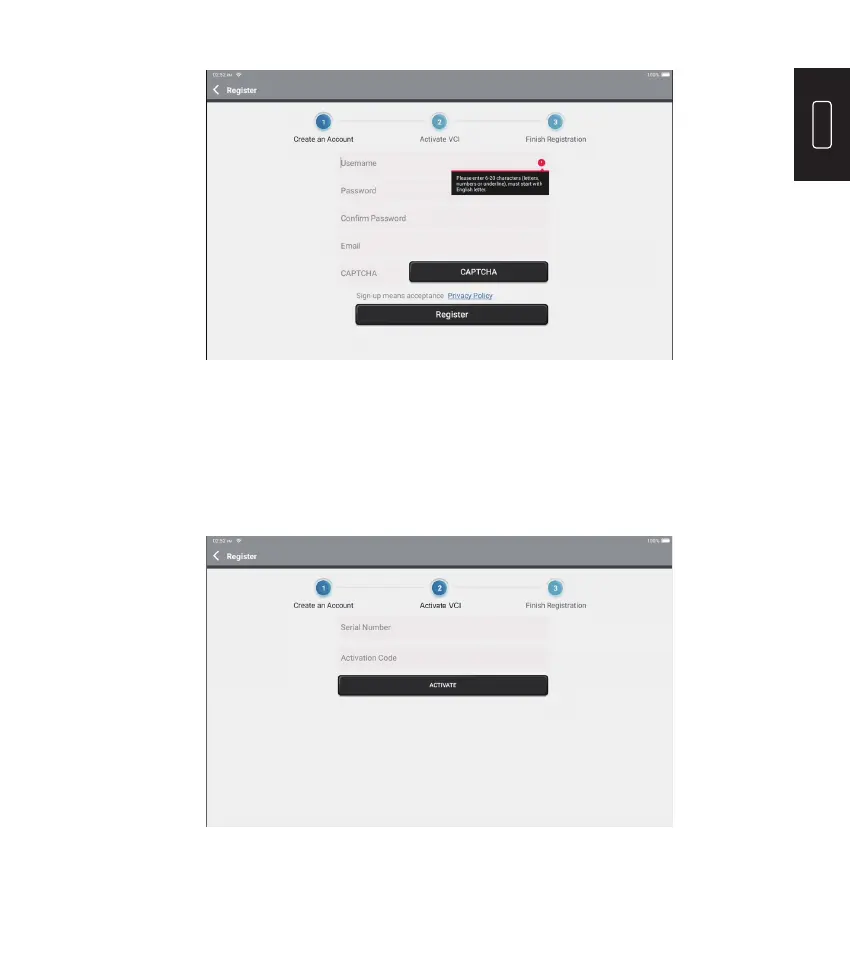
Input the serial number and activation code to activate and bind the diagnostic VCI dongle.
Both the serial number and the activation code are available in the “Password Envelop”.
The activation procedure is necessary for using the Phoenix Plus properly.
Tap “Activate” to nish the procedure, and get started to use Phoenix Plus.
After inputting the information required, tap “Register”. The tablet will enter the VCI
Activation procedure.
11. VCI Activation











 To Next Page