14
Plug the VCI dongle into the vehicle’s DLC port.
Tap “Intelligent Diagnosis” on the Home Menu after connecting to the vehicle.
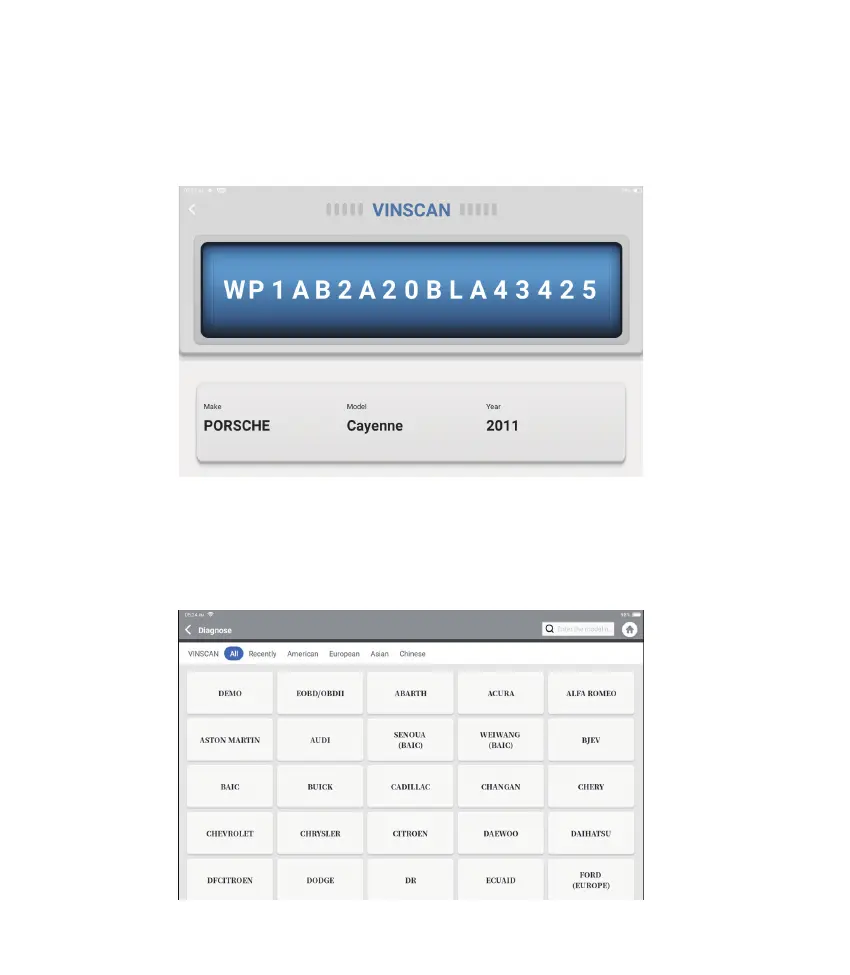
The tool will start the intelligent diagnosis procedure, and automatically read the vehicle’s
VIN information, as shown below:
If Phoenix Plus fails to get access to the vehicle VIN data automatically, tap “Local
Diagnosis” on the Home Menu. The following page will appear:
Note: A highly stable and solid network connection is required for successful VIN access.
1. Intelligent Diagnosis
2. Local Diagnosis











 To Next Page