9
Standalone Charging Mode
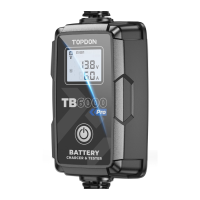
When TB6000Pro is connected to the power supply, the charging modes will keep flashing.
Press the Mode Switch Button to toggle between the modes. Once you've selected the
mode, press twice quickly to confirm the charging mode. After the confirmation, it will
automatically start the charging process from step one.
Bluetooth Charging Mode
Once you've confirmed the preparation steps are done, plug the adapter into a wall outlet
and attach the clamps to the battery terminals. Open the TB6000Pro, tap the Smart
Charging/Quick Charging.
Smart Charging:
Under this mode, battery test is automatically performed before and after charging.
Simply enter basic battery information and select the desired charging mode, then tap
Start charging. A charging report will be automatically generated during the process.
Note:
Smart Charging is only applicable to 12V lead-acid batteries (Li-ion or 6V batteries
are not supported).
To ensure accuracy of test results, only use the battery clamps to connect to the
battery terminals under Smart Charging mode.
Quick Charging:
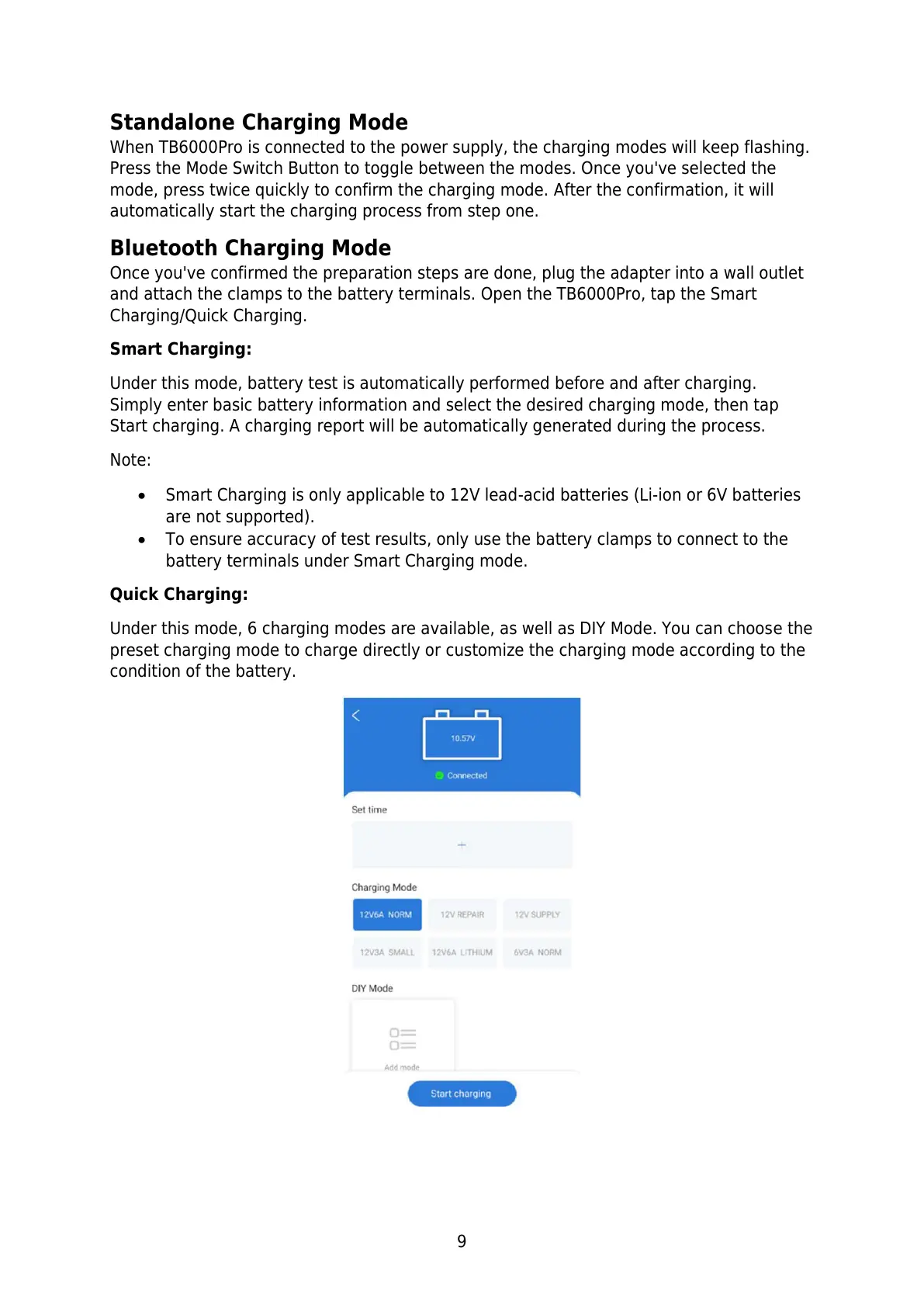
Under this mode, 6 charging modes are available, as well as DIY Mode. You can choose the
preset charging mode to charge directly or customize the charging mode according to the
condition of the battery.


 To Next Page