8
8.4 Playing back a video file 57
3. Select the external hard drive name and then press
OK .
4. You will then get access to your external hard drive. Nav-
igate through the external hard drive file and folders un-
til you have selected the image file you want to transfer.
5. With the file selected, press the
F3 button, then another
screen will appear. Select Photo Album and press
OK .
Now, you can view the image
files in jpg format by performing
the following steps:
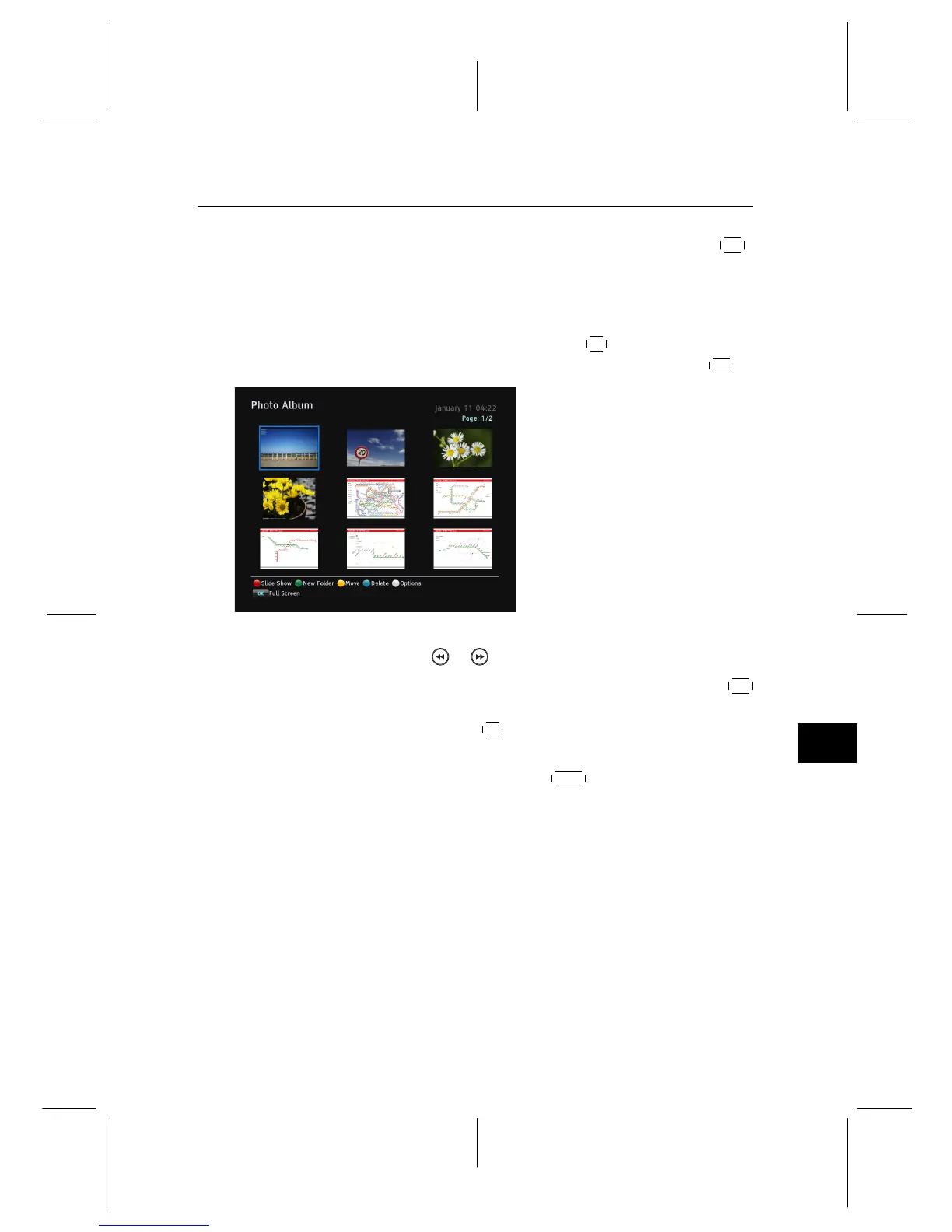
1. Select the Entertainment > Photo Album menu, and then
press the or button to display the list of image files.
2. Put the highlight bar on a desired file and press the
OK
button; if you want to view several files using a slide
show, press the
F1 button. You can change a time in-
terval and effect of slideshow. See §4.8.
3. To stop viewing, press the
EXIT button.
8.4 Playing back a video file
You can play back media files such as photos, videos and music
with this digital receiver. Media file formats that you can play
back with the digital receiver are as follows:
• video: DivX, XviD, VOB, MKV, MP4, and AVI
• photo: JPG
• music: MP3













 To Next Page