Shenzhen TOPFLYTECH Co., Limited. All Rights Reserved 6
3. Standard Accessories Introduction
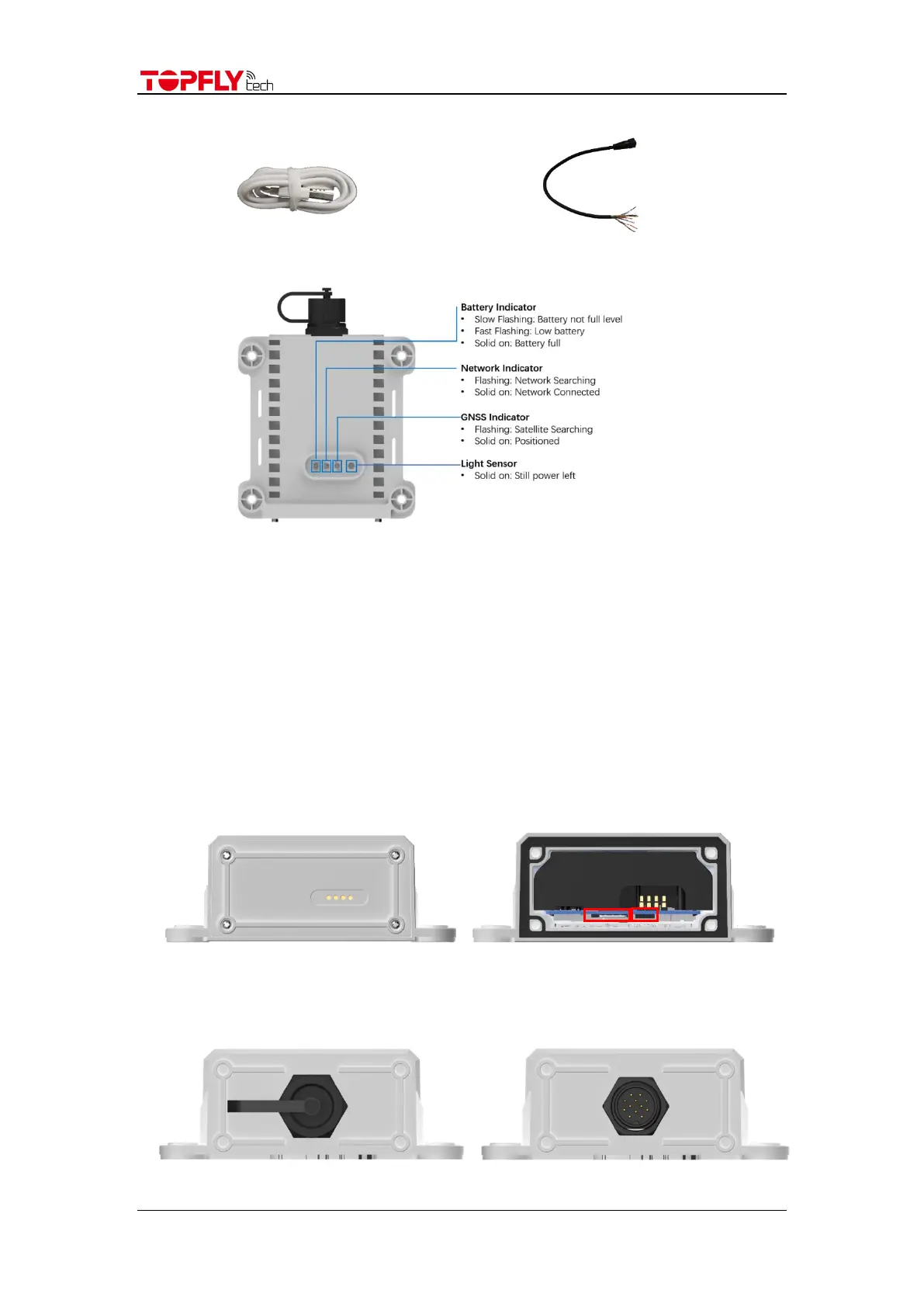
USB cable Extension cable
4. LED indicator
Note: Indicator lights will go out automatically after the tracker turns on for 8 mins.
5. Installation Guide
5.1 SIM Card Pre-Installation Note
5.1.1 SIM card data service should be enabled.
5.1.2 If SIM card is locked via PIN, please unlock it first.
5.1.3 Ensure there is sufficient balance in the SIM card.
5.2 SIM card installation and tracker power switch
5.2.1 Open the tracker rear cover with the screwdriver.
5.2.2 Insert the SIM card with a little push. Turn the power switch from off to on.
5.2.3 Put the cover back and use screwdriver to fix the cover tightly.
5.3 Power extension cable
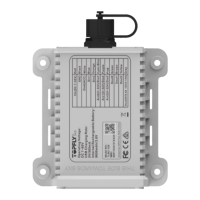
5.3.1 Untighten the cap of the tracker.


 To Next Page