3
Removing the dealer imprinting badge
TopTech Tip
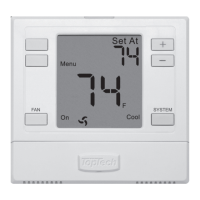
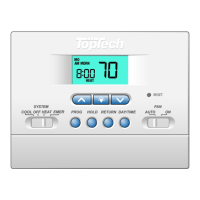
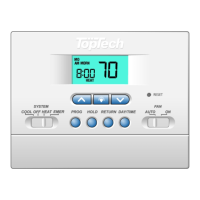
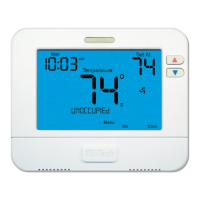
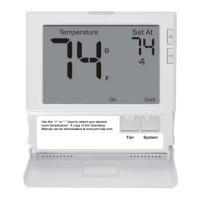
Getting to know your thermostat
2
Fan Button
3
System Button
4
Button Access Door
5
Temperature Setpoint Buttons
6
Light Button (Glow in the dark)
6
1
2
3 4
5
Important:
The low battery indicator is displayed
when the AA battery power is low. If the
user fails to replace the battery within
21 days, the thermostat display will only
show the low battery indicator as a final
warning before the thermostat
becomes inoperable. The batteries are
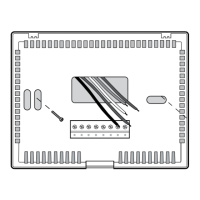
located on the back of the thermostat.
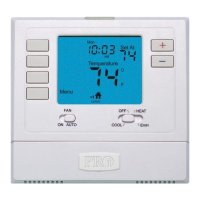
LCD
1
+1 will appear in the
display when second
stage of heat or cool
is on. +2 will appear
for third stage of heat.
System operation
indicators: The COOL,
HEAT or FAN icon will
display when the COOL,
HEAT or FAN is on.
NOTE: The compressor
delay feature is active if
these icons are flashing.
The compressor will not
turn on until the 5 minute
delay has elapsed.
Low Battery Indicator:
Replace batteries when
this indicator is shown.
Indicates the current
room temperature.
Displays the user
selectable setpoint
temperature.
Use the “+” or “-” keys to select your desired
room temperature. A copy of the Operating
Manual can be downloaded at www.pro1iaq.com
Fan System
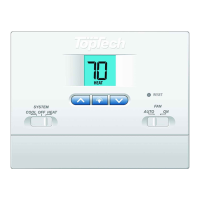
All TopTech thermostats use the same universal magnetic badge.
Visit our website at toptech.pro1iaq.com to learn more about our dealer imprinting programs


 To Next Page
 Loading...