THERMOSTAT OPTIONS
Filter Change Reminder
If your installing contractor has configured the
thermostat to remind you when the air filter
needs changed, you will see FILT in the
display when your air filter needs changed.
FILT will be shown in the display after your
system has run long enough to require an air
filter change.
Resetting the filter change reminder:
When FILT reminder is displayed, you should
change your air filter and reset the reminder by
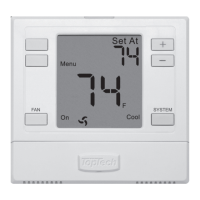
holding down the FAN button for 3 seconds.
4
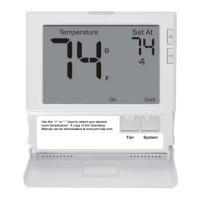
Hold down for 3 seconds,
to reset filter reminder.
Keypad Lockout Note:
If appears in display then
the keypad is locked. All or
some of the keys will not
work. Hold the FAN and
SYSTEM keys for 3 seconds
to remove the lock.
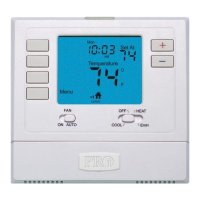
Use the “+” or “-” keys to select your desired
room temperature. A copy of the Operating
Manual can be downloaded at www.pro1iaq.com
Fan System


 To Next Page