User’s Manual 2-4
The Grand Tour
Back
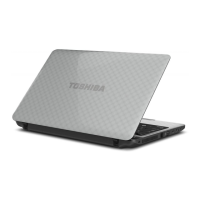
The following figure shows the computer’s back.
The back of the computer
Underside
The following figure shows the underside of the computer. You should
ensure that the display is closed before the computer is turned over to
avoid causing any damage.
The underside of the computer
Security lock slot A security cable can be attached to this slot and
then connected to a desk or other large object in
order to deter theft of the computer.
1. Battery lock 4. Memory module slot
2. Battery pack 5. Cooling vents
3. Battery release latch
1 2 3
5
4
Battery lock Slide the battery lock to release the battery pack
ready for removal.


 To Next Page
 Loading...