User’s Manual 5-3
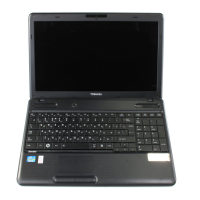
The Keyboard
Power Plan: Pressing FN + F2 changes the power settings.
Sleep: Pressing FN + F3 switches the system to Sleep Mode.
Hibernate: Pressing FN + F4 switches the system to Hibernation Mode.
Output: Pressing FN + F5 changes the active display device.
Brightness Down: Pressing FN + F6 decreases the computer's display
panel brightness in individual steps.
Brightness Up: Pressing FN + F7 increases the computer's display panel
brightness in individual steps.
Wireless: Pressing FN + F8 switches the active wireless devices.
Touch Pad: Pressing FN + F9 enables or disables the Touch Pad function.
To use a simultaneous mode, you must set the resolution of the internal
display panel to match the resolution of the external display device.
If no wireless communication device is installed, no dialog box will appear.



 To Next Page
 Loading...