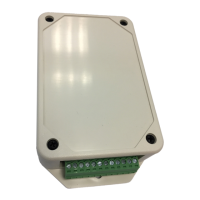
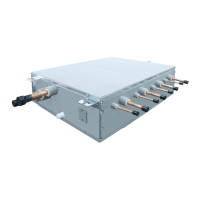
Installation for Wireless interface.
Open an application and follow register for User registration.
1 Tab Register 2 Enter email address 3 Select country 4 Enter user name
@
5 Enter password by
6-10 character, combination
of alphabet and number
8 Information will submit to
email, click link for confirm
6 Check for term and
condition
7 Confirm information
Log in to Toshiba Home AC Control application.
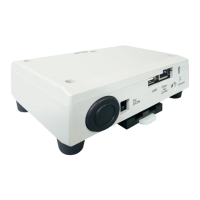
1 Connect Wireless interface to system and turn
on power supply.
Operation LED = On Green
Wireless LED = On Yellow
Link LED = Off
Power LED = On Green
* Note
1. In case of Wi-Fi router change or e-mail for register change
need to re-process for add Wireless interface again
(need to press SETUP button 1 time for active Access Point
mode).
2. In case of change Wireless interface to use with other AC need
to factory reset (press and hold SETUP 5s) and re-process for
add Wireless interface again.
2 Open application and
select Log in
3 Enter user name and
password
4 Log in successful
BOOK_OM_1130492401-1.indd 3BOOK_OM_1130492401-1.indd 3 23/11/2564 BE 14:4423/11/2564 BE 14:44


 To Next Page
 Loading...