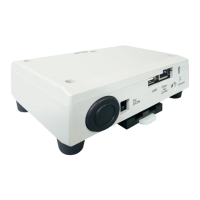
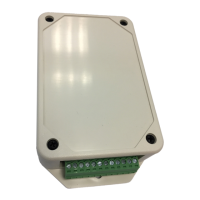
Add Wireless interface for control by Toshiba Home AC Control application.
Wireless Adapter Type C
Wireless adapter auto log in.
1 Select “Add AC (Adapter)” from both display above. 2 Select AC (adapter) connection method.
Add Wireless interface for control by Toshiba Home AC Control application.
35 °C
48 °C
45 °C
3 AC (adapter) connect 4 Connect with Home Wi-Fi Router
5 A/C add finished
WPS mode
Manual input
Operation LED = On Green
Connect successfully
Wi-Fi Router name
Wi-Fi Router Password
Wireless LED = Off
Link LED = Off
Power LED = On Green
BOOK_OM_1130492401-1.indd 4BOOK_OM_1130492401-1.indd 4 23/11/2564 BE 14:4423/11/2564 BE 14:44


 To Next Page
 Loading...