EasyManua.ls Logo

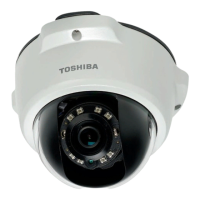
Toshiba IK-WB16A - User Manual

Toshiba IK-WB16A
120 pages
Print Icon
To Next Page IconTo Next Page
Loading...
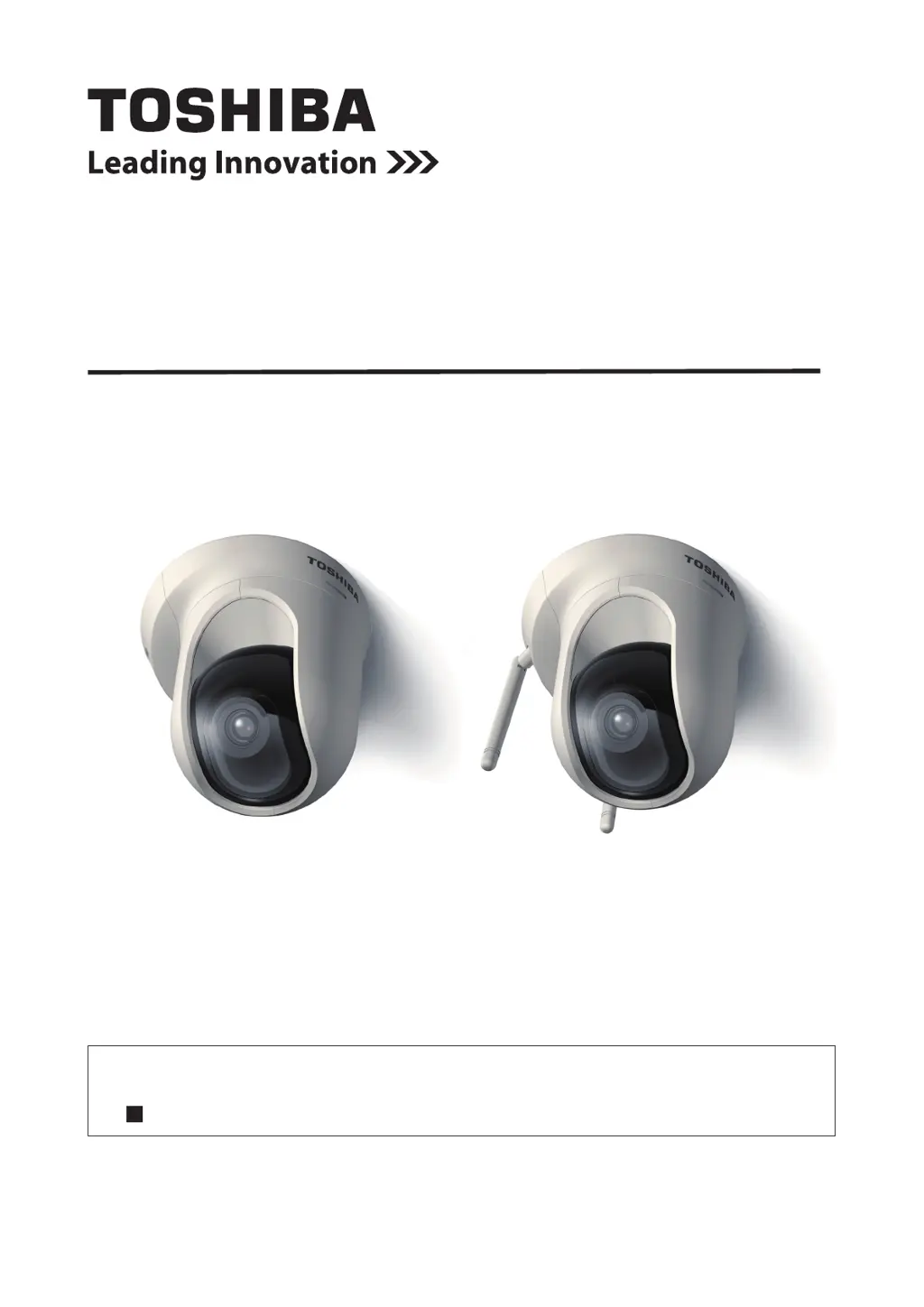
NETWORK CAMERA
Model:
IK-WB16A / IK-WB16A-W
User's Manual
If the URL changes, refer to the Toshiba website (http://www.toshiba.com/).
For information on our latest products and peripheral devices, refer to the
following Website:
http://www.toshibasecurity.com
IK-WB16A IK-WB16A-W

Other manuals for Toshiba IK-WB16A

Questions and Answers

  • Q
    qramosAug 9, 2025
    Why do I have audio issues with my Toshiba Security Camera when using multiple cameras?
    • J
      Jimmy FrancoAug 9, 2025
      If you experience audio issues when using multiple Toshiba Security Cameras, it might be due to using the same Internet Explorer session for all cameras. To resolve this, restart Internet Explorer each time you switch between cameras.
  • N
    Natalie SalazarAug 22, 2025
    What to do if having WPS button issues with Toshiba IK-WB16A-W Security Camera?
    • T
      Tyler BruceAug 23, 2025
      If you are having issues with the WPS button on your Toshiba IK-WB16A-W Security Camera, ensure that your router settings are configured correctly. The WPS feature on the IK-WB16A-W model does not support WEP security mode, so check your router's security settings.

Toshiba IK-WB16A Specifications

General IconGeneral
Lens TypeFixed
Focal Length3.6 mm
Local StorageMicroSD card slot (up to 32GB)
Operating Temperature-10°C to 50°C (14°F to 122°F)
Image Sensor1/4 inch CMOS
Resolution1280x720
Video CompressionH.264
Frame RateUp to 30 fps
AudioBuilt-in microphone
Network Interface10/100 Mbps Ethernet (RJ-45)
ProtocolsHTTP, SMTP, FTP, DHCP, DDNS, NTP, UPnP, RTSP, RTP
SecurityIP address filtering
PowerDC 12V
Video OutputNo
Power SupplyDC 12V

Related product manuals