EasyManua.ls Logo

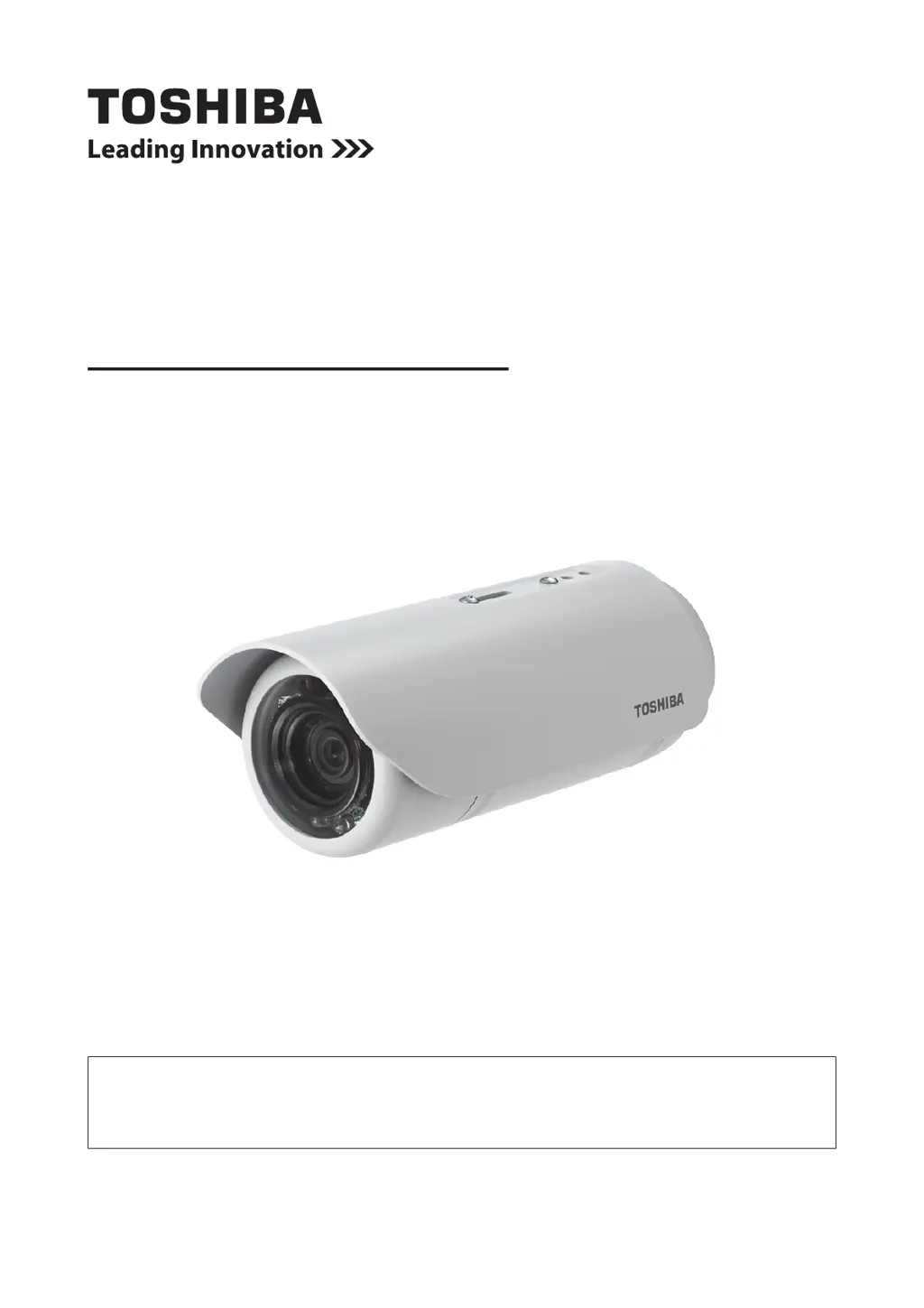
Toshiba IK-WB70A - User Manual

Toshiba IK-WB70A
83 pages
Print Icon
To Next Page IconTo Next Page
Loading...
Forinformationonourlatestproductsandperipheraldevices,refertothe
followingWebsite:
http://www.toshibasecurity.com
TheaboveURLissubjecttochangewithoutpriornotice.
IftheURLchanges,refertotheToshibawebsite(http://www.toshiba.com).
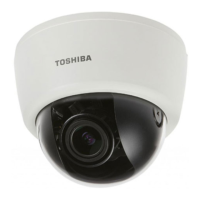
NETWORKCAMERA
Model:
IK-WB70A
User'sManual
㪉㪍㩷㪆㩷㪈㪍㪇

Other manuals for Toshiba IK-WB70A

Questions and Answers

  • D
    Donna GonzalezAug 7, 2025
    What to do if my Toshiba IK-WB70A is blinking red (two short, one long)?
    • T
      Timothy JonesAug 7, 2025
      If your Toshiba Security Camera is blinking red (two short, one long), ensure that the camera is receiving power. If the issue persists, restore or reboot the Network Camera.

Toshiba IK-WB70A Specifications

General IconGeneral
BrandToshiba
ModelIK-WB70A
CategorySecurity Camera
LanguageEnglish

Related product manuals