EasyManua.ls Logo

Toshiba IK-WD05A - User Manual

Toshiba IK-WD05A
24 pages
Print Icon
To Next Page IconTo Next Page
Loading...
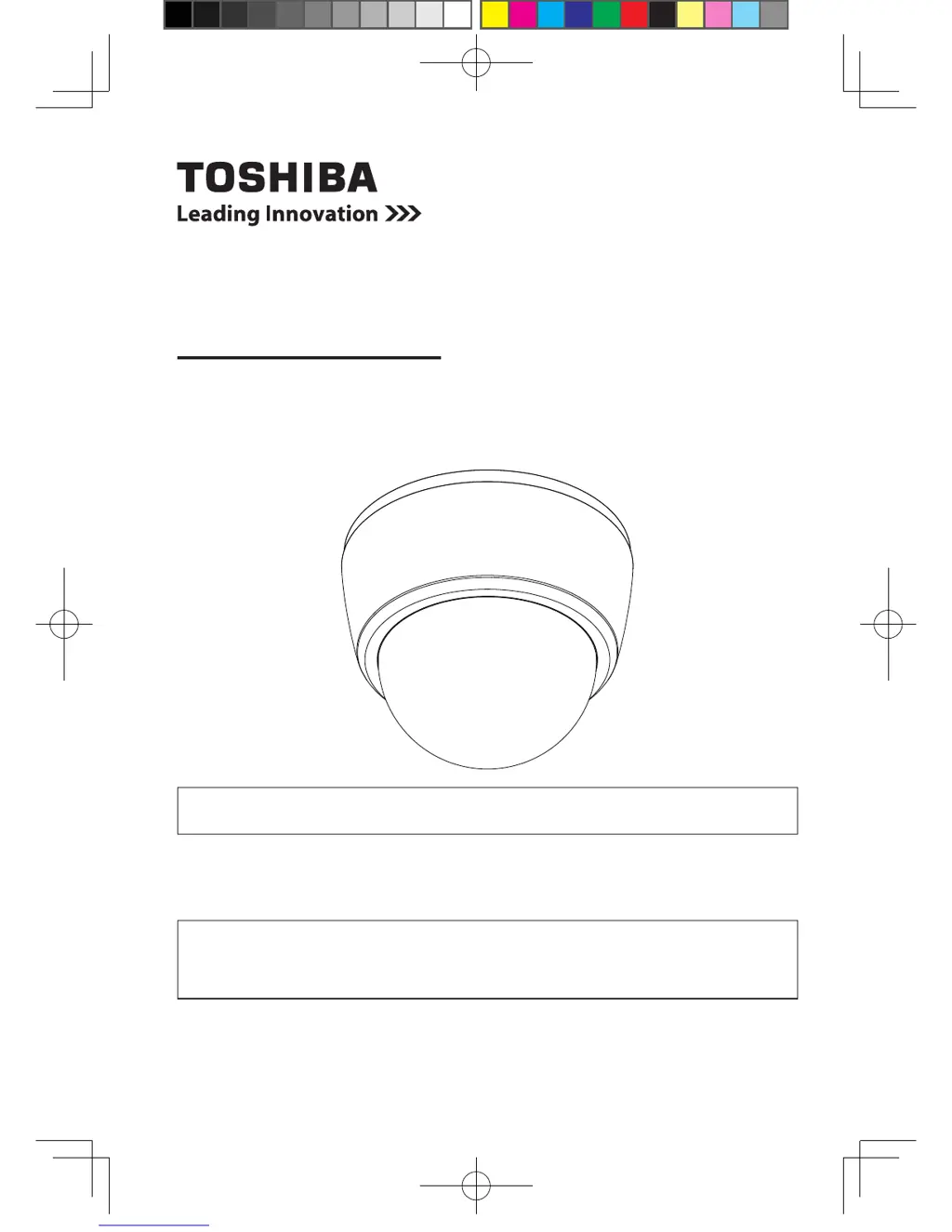
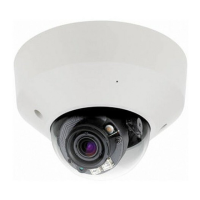
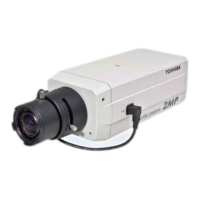
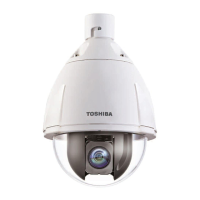
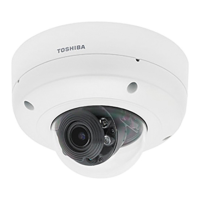
NETWORK CAMERA
Model: IK-WD05A
Quick Start Guide and Important Safeguards
This guide describes the hardware installation.
Refer to the user's manual (PDF le) contained in the CD-ROM for settings, operations
and other information.
The application Adobe
®
Reader
®
is needed to view PDF les. If you do not have this
application, download it from the Adobe Systems Incorporated website.
n
http://www.adobe.com/
For information on our latest products and peripheral devices, refer to the following
Website:
n
http://www.toshibasecurity.com
If the URL changes, refer to the Toshiba website (http://www.toshiba.com).
625023500G_QIG,FD8161-TOBA,V1.00_20140124.indd 1 2014/1/24 下午 01:08:39

Questions and Answers

  • B
    Brittney GutierrezAug 8, 2025
    Why do multiple Toshiba Security Cameras transmit audio at the same time?
    • T
      tonyandrewsAug 8, 2025
      If multiple Toshiba Security Cameras transmit audio simultaneously, it might be because the same Internet Explorer session is being used for all cameras. To resolve this, restart Internet Explorer each time you switch between cameras.
  • Y
    ymasseyAug 22, 2025
    What to do if my Toshiba Security Camera switches to night mode too early?
    • D
      dheathAug 23, 2025
      If your Toshiba Security Camera is switching to night mode prematurely, check the light sensor. Ensure that nothing is covering it, as this can cause the camera to switch modes incorrectly. Take care not to cover the light sensor.

Toshiba IK-WD05A Specifications

General IconGeneral
BrandToshiba
ModelIK-WD05A
CategorySecurity Camera
LanguageEnglish

Related product manuals