EasyManua.ls Logo

Toshiba MMY-MAP2206T8P-E - User Manual

Toshiba MMY-MAP2206T8P-E
25 pages
Print Icon
To Next Page IconTo Next Page
Loading...
For commercial use
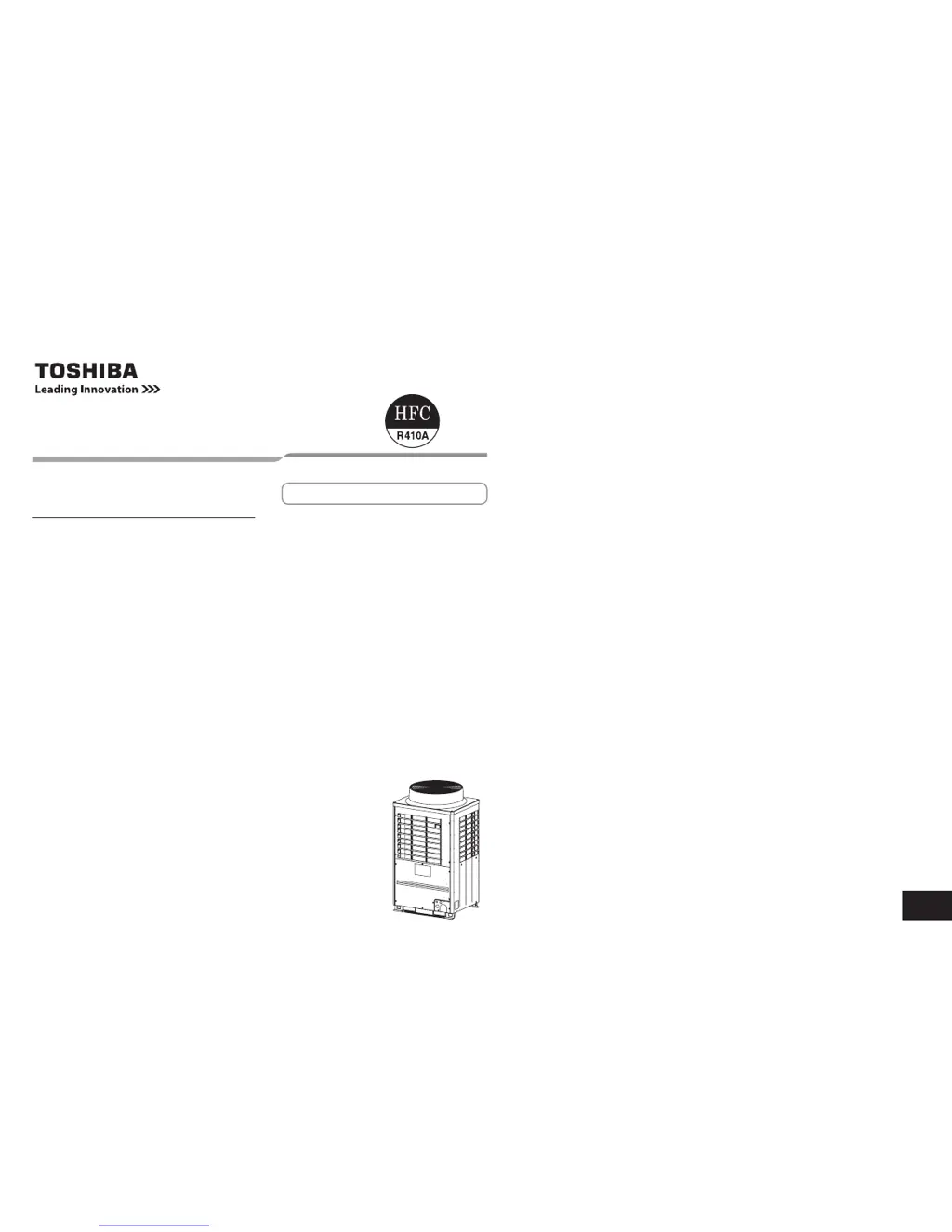
AIR CONDITIONER (MULTI TYPE)
Owners Manual
Outdoor Unit
Model name:
<Heat Pump Model>
MMY-MAP0806HT8P-E
MMY-MAP1006HT8P-E
MMY-MAP1206HT8P-E
MMY-MAP1406HT8P-E
MMY-MAP1606HT8P-E
MMY-MAP1806HT8P-E
MMY-MAP2006HT8P-E
MMY-MAP2206HT8P-E
MMY-MAP0806HT8JP-E
MMY-MAP1006HT8JP-E
MMY-MAP1206HT8JP-E
MMY-MAP1406HT8JP-E
MMY-MAP1606HT8JP-E
MMY-MAP1806HT8JP-E
MMY-MAP2006HT8JP-E
MMY-MAP2206HT8JP-E
<Cooling Only Model>
MMY-MAP0806T8P-E
MMY-MAP1006T8P-E
MMY-MAP1206T8P-E
MMY-MAP1406T8P-E
MMY-MAP1606T8P-E
MMY-MAP1806T8P-E
MMY-MAP2006T8P-E
MMY-MAP2206T8P-E
MMY-MAP0806T8JP-E
MMY-MAP1006T8JP-E
MMY-MAP1206T8JP-E
MMY-MAP1406T8JP-E
MMY-MAP1606T8JP-E
MMY-MAP1806T8JP-E
MMY-MAP2006T8JP-E
MMY-MAP2206T8JP-E
English

Other manuals for Toshiba MMY-MAP2206T8P-E

Questions and Answers

  • B
    Bobby BarkerAug 6, 2025
    Why is my Toshiba MMY-MAP2206T8P-E Air Conditioner not cooling or warming enough?
    • P
      paulhowardAug 6, 2025
      Your Toshiba Air Conditioner might not be cooling or heating the air sufficiently due to several reasons. Check if the air intake or air discharge of the outdoor unit is obstructed. Ensure that all doors and windows are closed. A clogged air filter can also reduce efficiency, so clean it if it's dusty. Make sure the discharge louver of the indoor unit is set to the appropriate position. Also, verify that the air selection isn't set to “LOW” or “MED,” and the operation mode isn't set to “FAN”. Confirm that the set temperature is appropriate and that COOL and HEAT are not selected simultaneously. Finally, check if the outdoor temperature is within the operational temperature range.
  • A
    amberthomasAug 21, 2025
    What to do if my Toshiba Air Conditioner does not operate?
    • J
      Joshua GarzaAug 21, 2025
      If your Toshiba Air Conditioner is not operating, first check for a power failure. Ensure that the power switch is turned on and that the power fuse or breaker hasn't blown. Also, check if the protective device has operated (the operation lamp goes on). Verify that the timer is not set to “ON” (the operation lamp goes on). Make sure that COOL and HEAT are not selected simultaneously (“ ” indication is lit on the display of the remote controller). Finally, confirm that the outdoor temperature is within the operation temperature range.

Summary

Air Conditioner Unit Warning Indications

Electrical Shock Hazard Warning

Warnings about disconnecting power and handling live parts of the unit.

Moving Parts Warning

Caution against operating the unit with grilles removed to prevent injury.

High Temperature Parts Caution

Warning about hot surfaces that may cause burns when panels are removed.

Aluminum Fins Contact Caution

Warning not to touch aluminum fins to avoid potential injury.

Burst Hazard Warning

Reminder to open service valves before operation to prevent unit burst.

Fan Guard Climbing Prohibition

Warning against climbing on the fan guard to prevent injury.

Precautions for Safe Air Conditioner Operation

General Safety Guidelines for Use

Important daily operation, installation, and general safety advice for users.

Installation Safety Requirements

Precautions for safe installation, electrical work, and refrigerant handling.

Operational Safety Measures

Safety measures during normal operation and before accessing internal unit parts.

Safety Procedures for Repairs

Safety precautions and procedures to follow during repair and maintenance.

Remote Controller Functions and Display

Remote Controller Display Section Overview

Explains the indicators and layout of the remote controller's display screen.

Remote Controller Operation Section Overview

Identifies the main buttons and controls on the remote controller.

Remote Controller Operation Buttons Explained

Details the function of each operational button on the remote controller.

Remote Controller Display Indicators Explained

Explains the meaning of various indicators shown on the remote display.

Basic Air Conditioner Operation

Initial Preparation for Operation

Steps to take before operating the air conditioner for the first time.

Standard Unit Operation Guide

How to turn the unit on/off and select basic operating modes.

Adjusting Fan Speed Settings

How to adjust the fan speed for optimal comfort and airflow.

Setting the Desired Temperature

How to set the desired temperature for cooling or heating modes.

Timer Operation Functions

Setting Timer Functions (ON;OFF;Repeat)

Procedures for setting ON, OFF, and Repeat-OFF timers for operation.

Air Conditioner Installation Guidelines

Outdoor Unit Location Requirements

Criteria for selecting a suitable and safe location for the outdoor unit.

Air Conditioner Maintenance Procedures

Air Filter Cleaning Instructions

Steps for cleaning air filters for various indoor unit types.

Troubleshooting Common Air Conditioner Issues

Common Symptoms and Their Causes

Lists common operational symptoms and their potential causes.

Confirming and Checking Error Logs

How to check and confirm error logs stored in the unit's memory.

Toshiba MMY-MAP2206T8P-E Specifications

General IconGeneral
BrandToshiba
ModelMMY-MAP2206T8P-E
CategoryAir Conditioner
LanguageEnglish

Related product manuals