EasyManua.ls Logo

Toshiba SD-37VESE - User Manual

Toshiba SD-37VESE
64 pages
Print Icon
To Next Page IconTo Next Page
Loading...
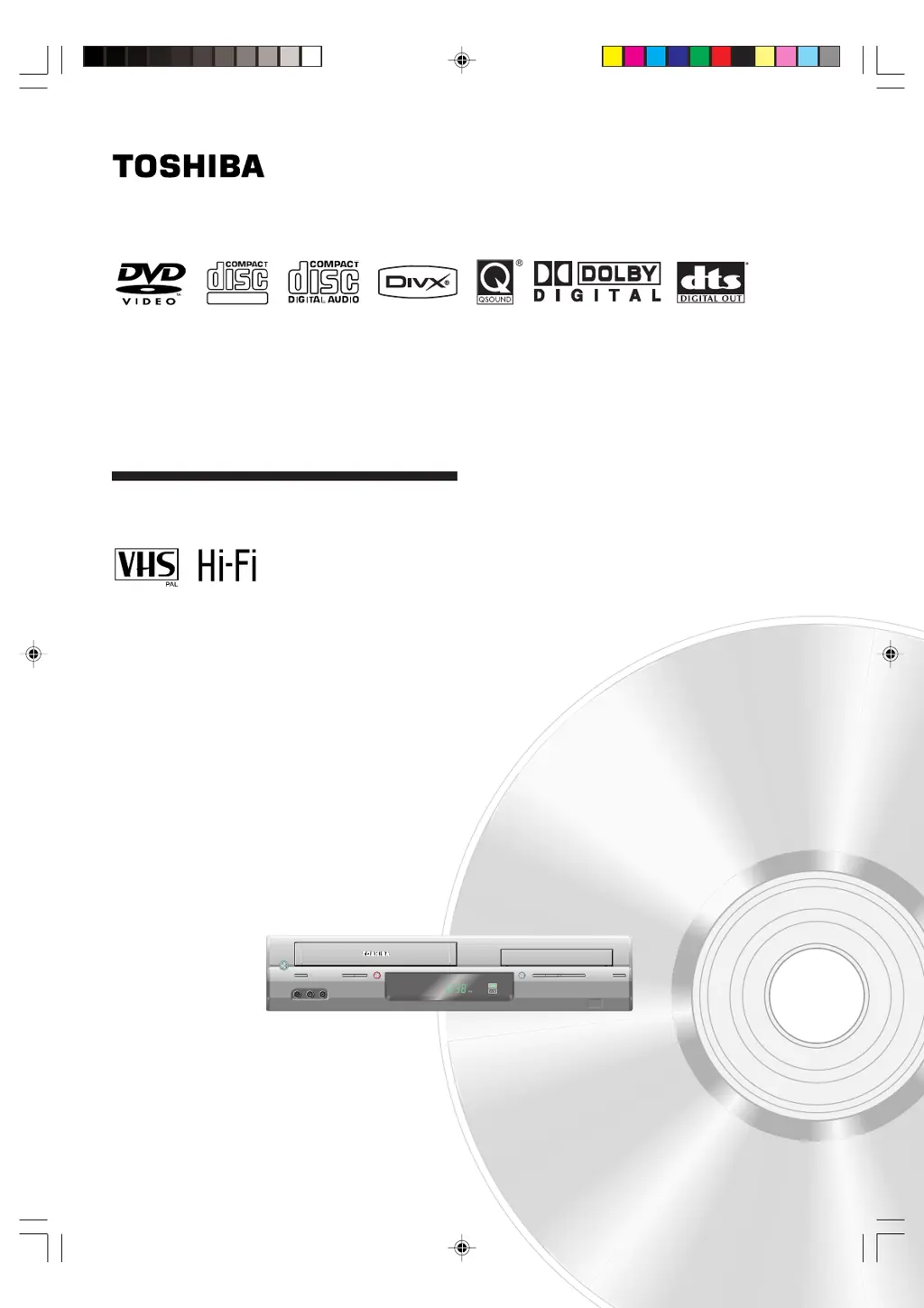
DVD VIDEO PLAYER & VIDEO
CASSETTE RECORDER
SD-37VESE
©2006 Toshiba Corporation
OWNER’S MANUAL
DIGITAL VIDEO
2J50301A [EN] cov 3/22/06, 8:10 PM1

Questions and Answers

  • L
    Leah KleinAug 9, 2025
    Why Toshiba SD-37VESE remote control does not function?
    • M
      michael37Aug 10, 2025
      If the remote control for your Toshiba DVD Player isn't working, ensure you're aiming it at the remote sensor within approximately 7 meters, and that there are no obstructions blocking the beam. Weak batteries can also cause this issue, so try replacing them, making sure they are inserted correctly. Reducing the amount of light in the room may also help.
  • E
    Ethan JimenezAug 14, 2025
    What to do if Toshiba DVD/VCR does not operate?
    • N
      Nicholas WilsonAug 14, 2025
      If your Toshiba DVD/VCR isn't operating, first ensure the AC mains lead is properly plugged in and try a different AC outlet. Check your fuse or circuit breaker, and try unplugging the unit and plugging it back in. Also, make sure you have selected the correct DVD or VCR mode before attempting to use it.
  • E
    Eric EdwardsAug 20, 2025
    What to do if my Toshiba SD-37VESE DVD Player has no sound?
    • A
      Ashley RamirezAug 20, 2025
      If there is no sound coming from your Toshiba DVD Player, check that the unit is connected correctly. Also, verify that the input selector on your amplifier is set properly. The unit may be in Special playback mode.
  • C
    Chad TylerAug 25, 2025
    What to do if Toshiba DVD Player playback doesn’t start?
    • E
      Elizabeth HahnAug 26, 2025
      If playback doesn't start on your Toshiba DVD Player, make sure a disc is inserted. If a disc is already inserted, it may be dirty, so try cleaning it. Note that the unit cannot play DVD-ROMs, etc.
  • N
    ngomezAug 29, 2025
    Why Toshiba DVD Player timer recording does not work?
    • R
      Rodney LivingstonAug 29, 2025
      Timer recording may not function on your Toshiba DVD Player if the time is not set correctly, or if the recording start/end time is incorrect. Also, ensure that the TIMER REC button has been pressed (and is lit).
  • B
    Billy MedinaSep 3, 2025
    How to change language on Toshiba SD-37VESE display?
    • C
      Christopher RobertsonSep 3, 2025
      To change the language displayed on your Toshiba DVD Player, select the appropriate language in the menu options.

Toshiba SD-37VESE Specifications

General IconGeneral
BrandToshiba
ModelSD-37VESE
CategoryDVD Player
LanguageEnglish

Related product manuals