26
Basic playback
DVD-V
VCD CD
Locating a specific chapter or track
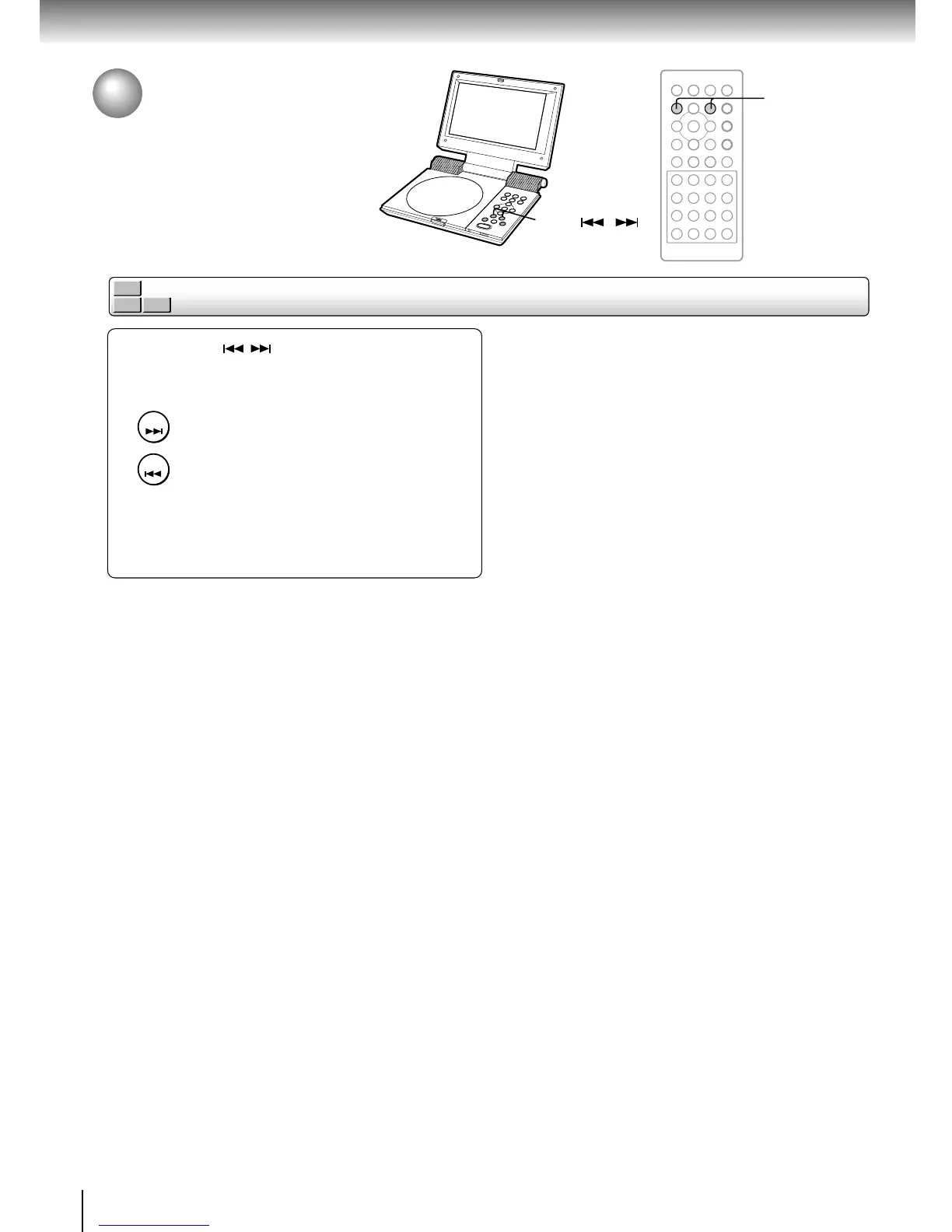
Press SKIP ( / ) repeatedly to locate the
chapter or track you want.
Playback starts from the selected chapter or track.
To locate succeeding chapters or tracks.
Playback starts from the beginning of the
current chapter or track.
When you press twice, playback starts
from the beginning of the preceding
chapter or track.
SKIP
SKIP
SKIP
Locating a Specific Title,
Chapter, or Track
(continued)
SKIP ( / )














 To Next Page