EN-36 User’s Manual
STOR.E TV+
Infrastructure mode
Infrastructure mode is used to connect computers with wireless network
adaptors, also known as wireless clients, to an existing wired network with
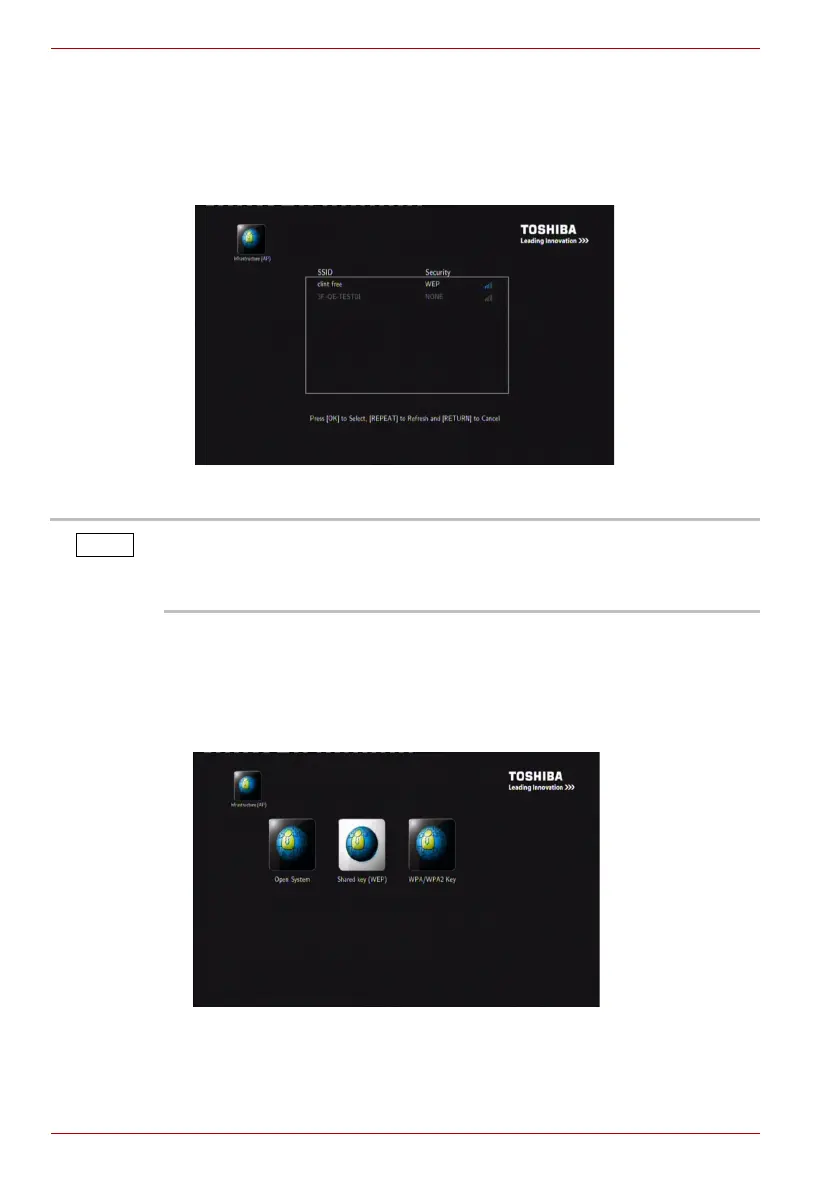
the help of a wireless router or access point. Select the access point you
wish to access from the SSID list shown below.
(Sample Image) SSID list
If the security is WEP, please do the following operation:
1. Select Open System, Shared key (WEP) or WPA/WPA2 Key option. If
selecting the Open System option, you can directly enter the available
AP list setup interface. If selecting the other two options, you need to
input the encryption key first.
(Sample Image) Open System, Shared key (WEP) and WPA/WPA2 Key option
interface
In the Security list, WEP (Wired Equivalent Privacy) and WPA (Wi-Fi
Protected Access) indicate the network is encrypted, i.e. an encryption key
is needed to access the network. NONE indicates it is an open system
network.



 To Next Page