User’s Manual EN-37
STOR.E TV+
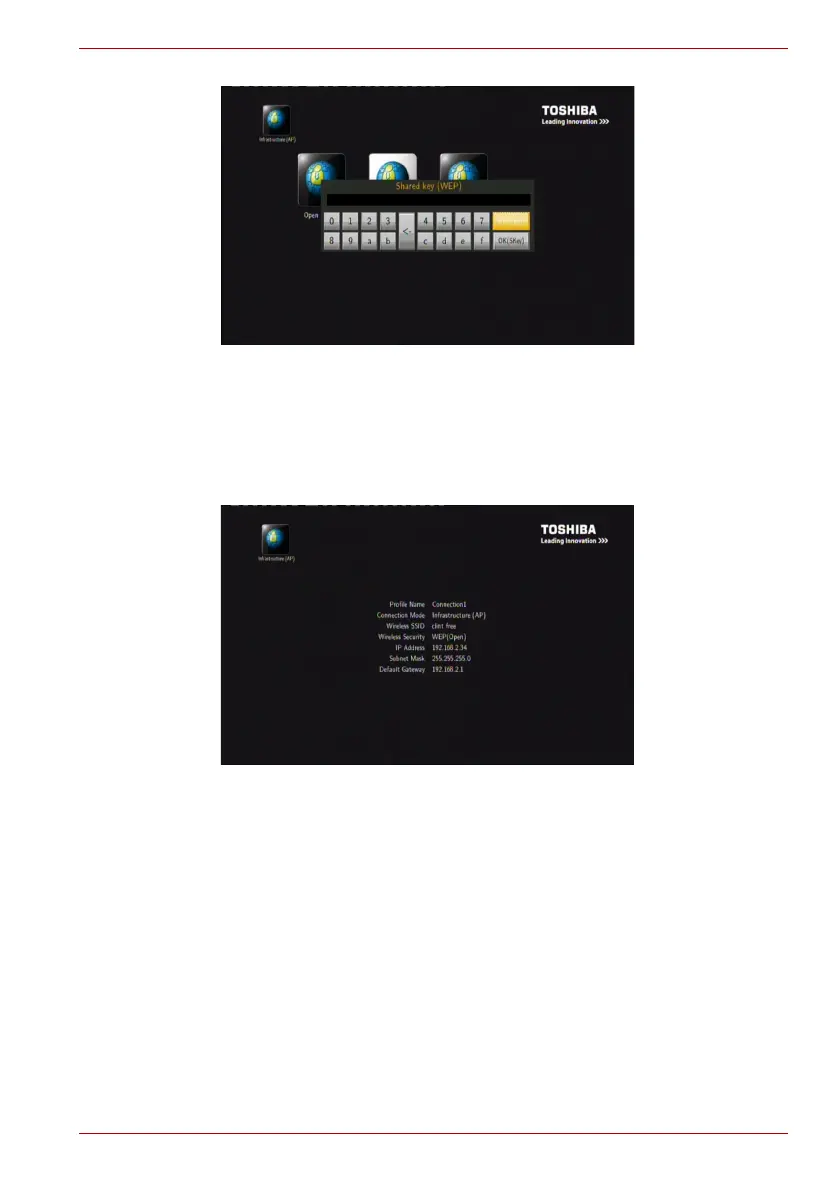
(Sample Image) WLAN Security Setting
2. Selects automatic or manual mode to obtain the IP address. Refer to
“DHCP IP (AUTO)” on page 33 and “FIX IP (MANUAL)” on page 34
section for more details.
3. Setting List
The Setting List displays the network settings as below.
(Sample Image) Infrastructure mode Network setting list



 To Next Page