EN-40 User’s Manual
STOR.E TV+
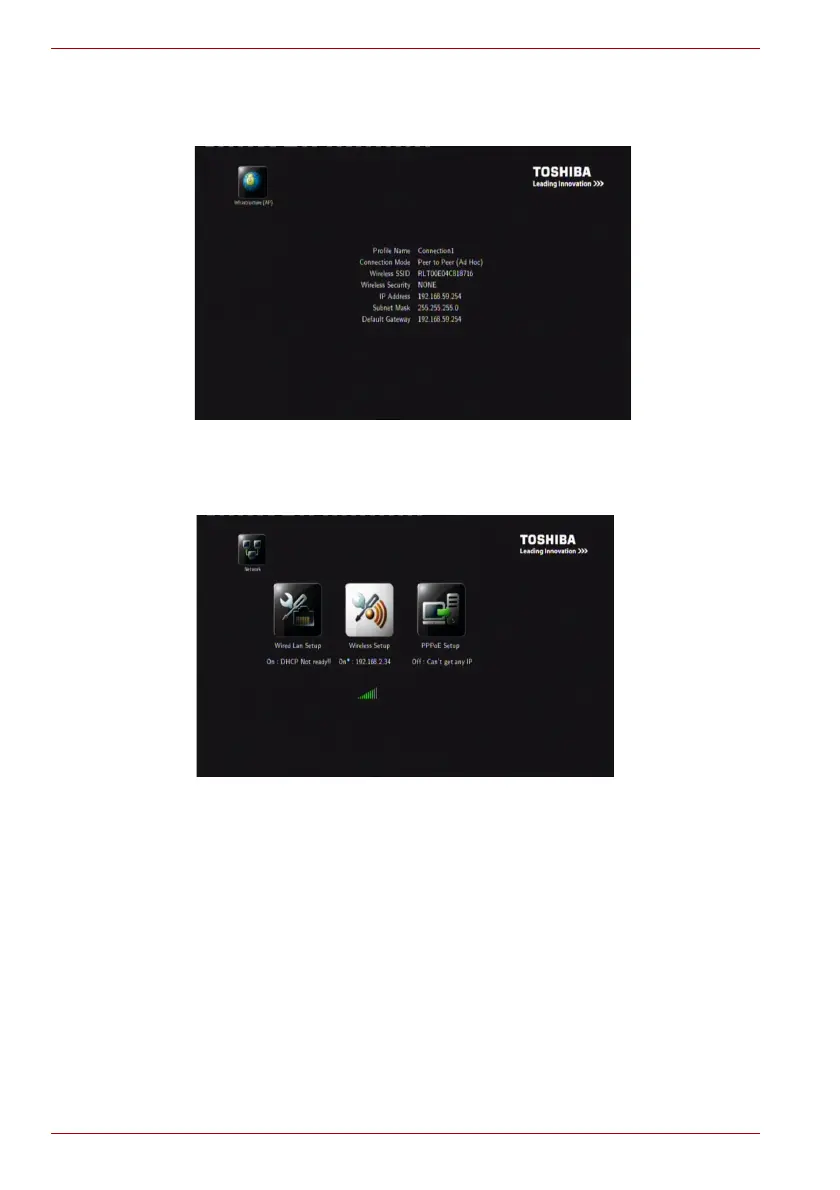
3. Save and startup. Select the Confirm icon in the interface and press OK
or COMFIRM on the remote control to show the setting information
below.
(Sample Image) Ad-Hoc mode setting list
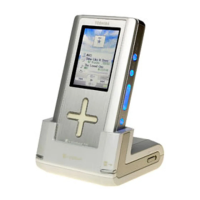
4. Test Connection. If the test is successful, the network information will be
displayed as below.
(Sample Image) Network information



 To Next Page