English - 24 -
Using Your LCD display Product More Effectively
Paying attention to the following points with respect to your product will provide a
stable performance and also prolong its life.
Daily Care
• Environmental Factors
it. The vent holes of your product will allow it perform safer without system overheating. Do not cover these
-
denly put it in a warm environment. A sudden temperature change of 10°C may cause some of the internal
parts to malfunction. Do not put your product on an uneven surface.
• General points
• Points to be taken into consideration while cleaning the product
Your system must be turned off while cleaning your product. Please use a soft and damp piece of cloth for
cleaning its surface. Do not use chemical cleansers to clean the screen. Do not
directly apply the cleaning material on your monitör.
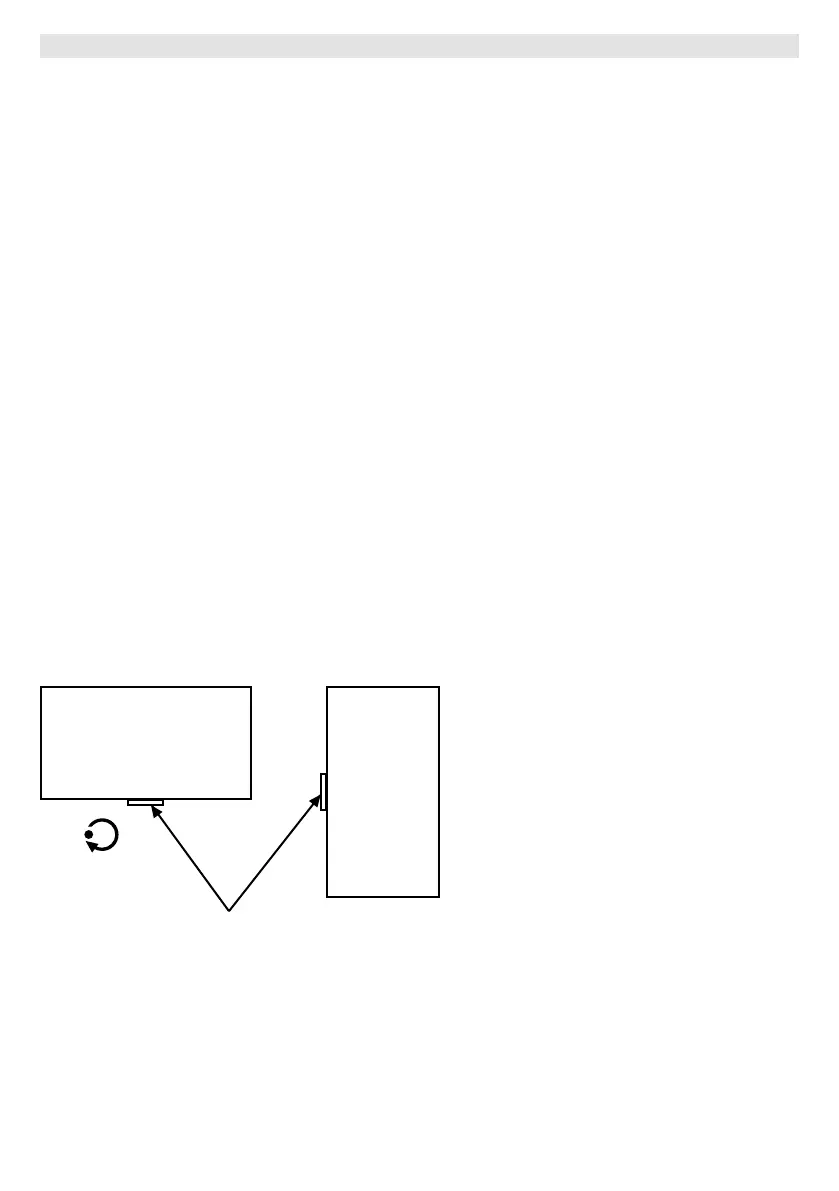
• Orientation
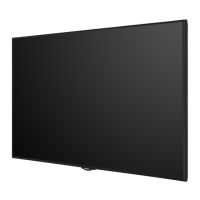
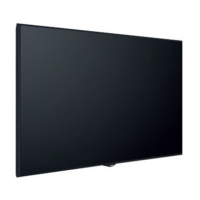
Your display can be mounted in both portrait and landscape positions.
Stand-by LED housing is on the left side.
Rotate
IR & Stand-By LED
HOUSING
LANDSCAPE
PORTRAIT


 To Next Page