16
v.1.0
Security Software Installation Manual
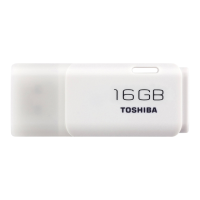
TRANSMEMORY™ USB TNU FLASH DRIVE
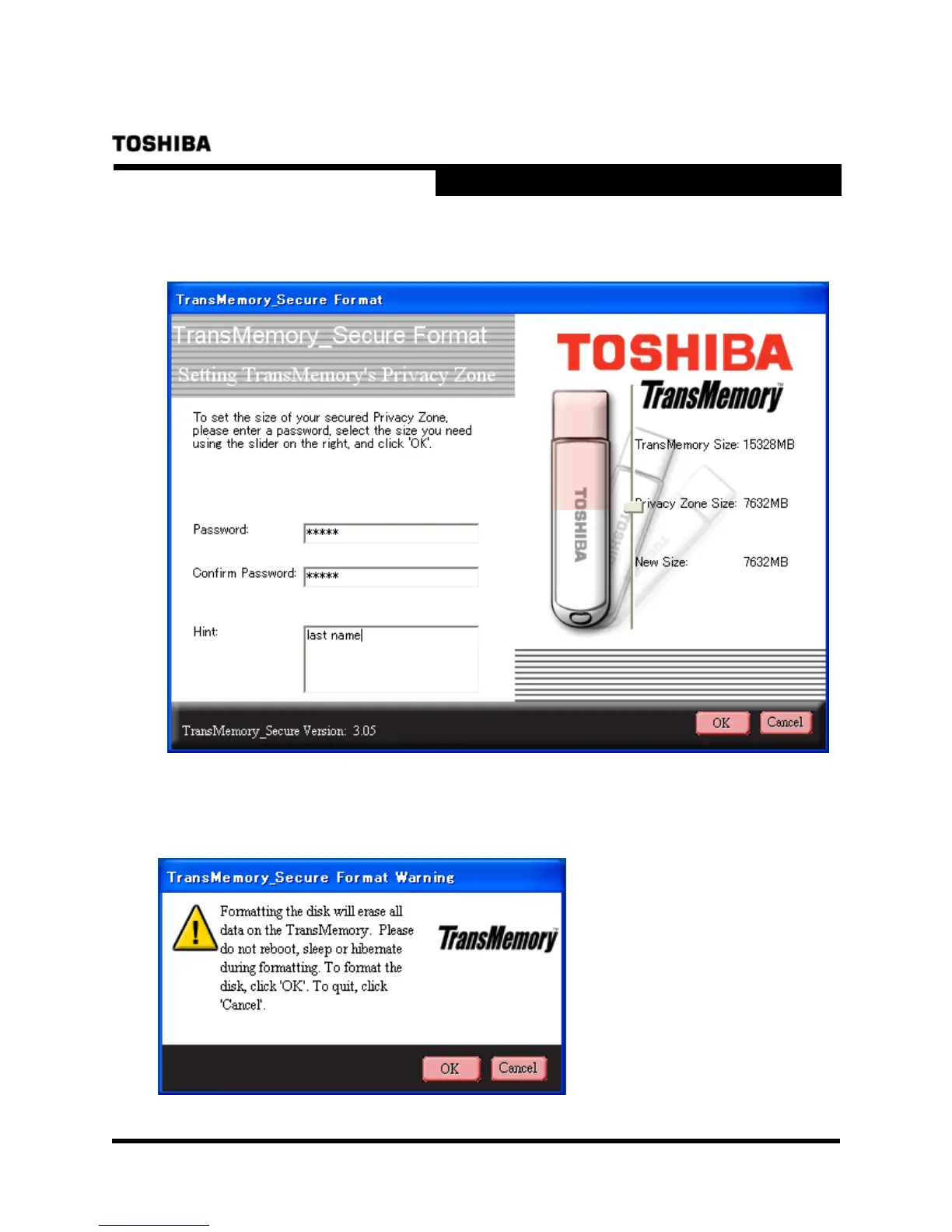
4) Determine the size of the Privacy Zone. Enter the “Password”, re-enter the “Confirm
Password”, then a “Hint”, and click on “OK”.
5) When the following dialog box appears, confirm that you have backed up all data on the
TransMemory
TM
USB that you wish to keep, and click on “OK”.




 To Next Page