26
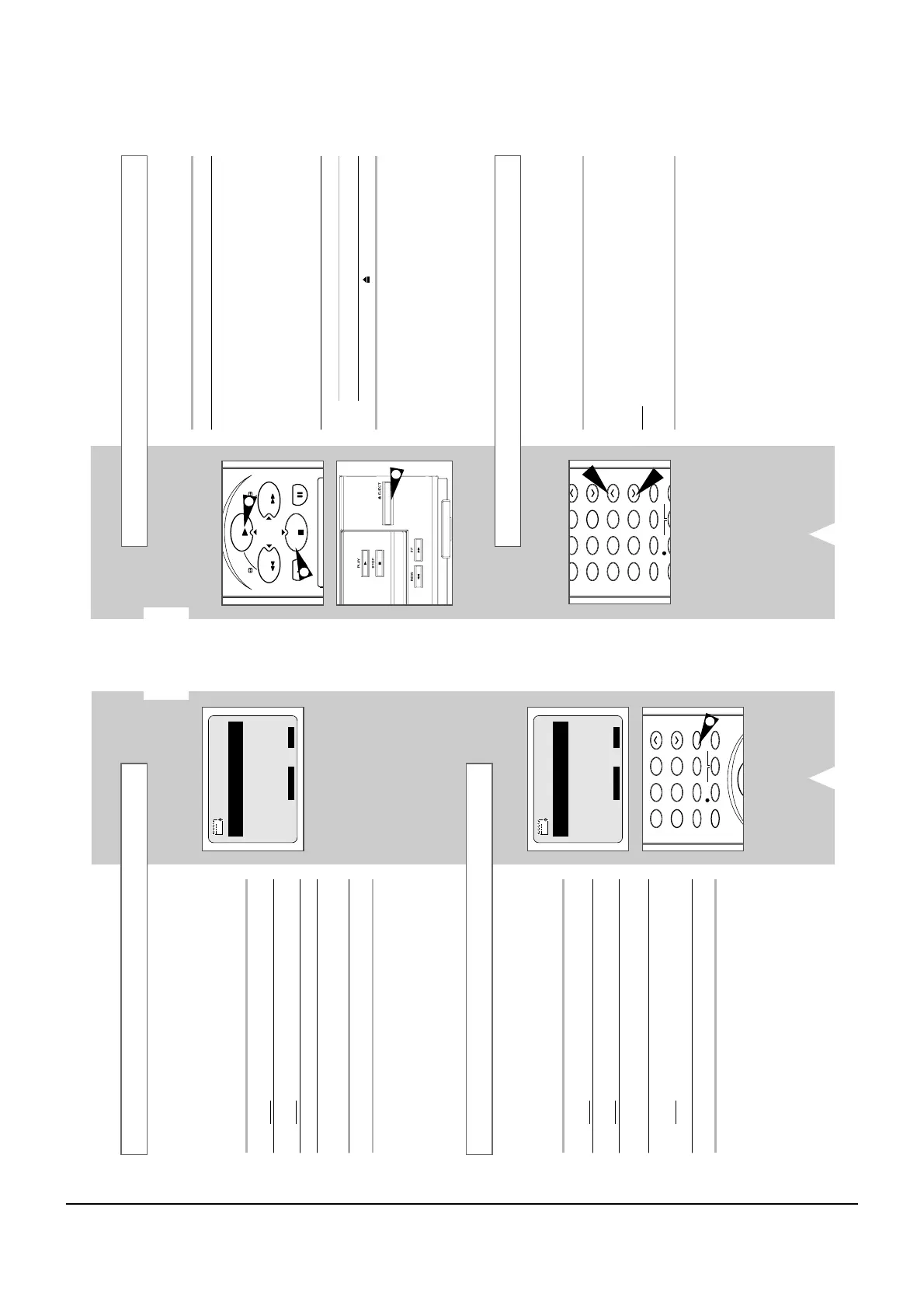
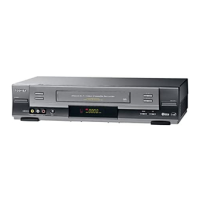
This function allows you to play back any pre-recorded cassette.
1 Switch on both the television and your VCR.
2 Insert the video cassette to be played. If the safety tab on the
cassette is intact, press
.
Otherwise, the cassette is played automatically.
➢
When a cassette is loaded, the tape position is optimized
automatically to reduce disturbance (Digital Auto Tracking).
When playing a cassette, if the end of the tape is reached,
the cassette is rewound automatically.
NTSC tapes can be played back but cannot be recorded
with this VCR.
3 To... Then press...
Stop the playback
■
(STOP).
Eject the cassette (EJECT).
Playing a Cassette
Adjusting Picture Alignment Manually
The Picture Alignment feature allows you to adjust the alignment
manually to obtain the best possible picture.
When noise bars or streaks appear during playback, adjust alignment
manually by pressing the TRK (
i
or
j
) buttons until the picture is clear
and stable.
Result
:
◆
The tracking bar appears.
◆
The image is adjusted.
◆
The tracking bar disappears when you release the button.
You can cancel any programmes that are:
◆ Incorrect
◆ No longer required
1 Press MENU on the remote control.
Result
: The programming menu is displayed.
2 Press the OK button to select TIMER PROGRAMMING option.
Result
: The TIMER PROGRAMMING menu is displayed.
3 Select the programme to be cancelled by pressing the
or
buttons.
4 Press the CLR/RST button to cancel the selected programme.
Result
: All the recording information is deleted and the
broadcast will not be recorded.
5 On completion, press MENU twice.
You can check your preset recordings:
◆ When you have finished presetting the VCR
◆ If you have forgotten which programmes will be
recorded
1 Press MENU on the remote control.
Result
: The programming menu is displayed.
2 Press the OK button to select TIMER PROGRAMMING option.
Result
: The TIMER PROGRAMMING menu is displayed.
3 Press the
or
buttons to select the required programme.
4 Press the
¥
or
buttons to select and change any values as
required. For more details, refer to the previous page.
5 On completion, press MENU twice.
GB
25
Checking a Preset Recording
Cancelling a Preset Recording



 To Next Page