Playing a Cassette in Slow Motion
You can play a cassette in slow motion.
➢ No sound is heard when playing back a cassette in slow
motion.
1 Press:
◆
to start playing the cassette
◆
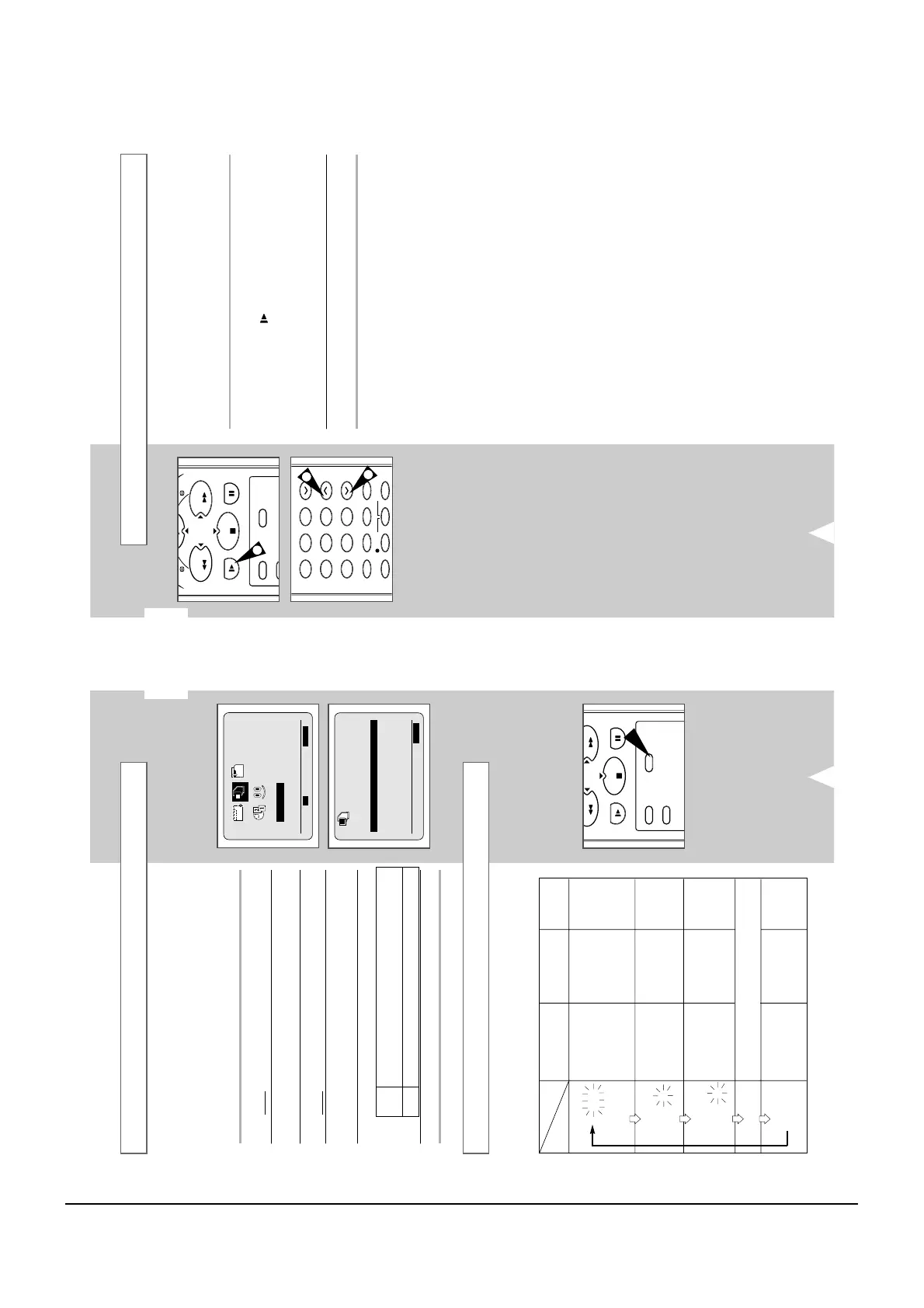
Press SLOW ( ) and release SLOW button on the
remote control. If you press the SLOW (
I
) button twice, the
playback will slow down to 1/12 th of normal speed.
◆
T
o return to the normal speed, press the PLAY (
)
button.
2 When playing back in slow motion, picture interference may occur.
Press the TRK (
i
or
j
) buttons to minimize this effect.
☛ When you have been using the Slow Motion function for
more than about five minutes, the VCR will automatically
play to protect the:
◆ Cassette
◆ Video heads
GB
27
When monitoring a TV programme or playing back a Hi-Fi
recorded video tape, press the AUDIO button to select a desired
sound output. As the AUDIO button is pressed, the sound output
and the indicator change as below:
Selecting the Audio Output Mode
L R
MIX
MONO
L
R
Heard in stereo.
(left channel and
right channel)
Left channel heard
from both the left
and right
speakers.
Right channel
heard from both
the left and right
speakers.
Heard in
monaural.
Channel I (MAIN)
heard from the left
speaker, channel
II (SUB) heard
from the right
speaker.
Channel I (MAIN)
heard from both
the left and the
right speakers.
Channel II-(SUB)
heard from both
the left and the
right speakers.
Channel I (MAIN)
heard from both
the left and the
right speakers.
Heard in
monaural.
Heard in
monaural.
Heard in
monaural.
Heard in
monaural.
Sound mixed the left and right channels, and the
normal audio track.
OSD display
Sound type
Stereo sound Bilingual sound
Standard
sound
broadcast
Selecting the Colour Mode
Before recording or playing back a cassette, you can select the
required system standard.
➢
◆ When you playback an NTSC-recorded tape on this VCR
make a setting on the colour system according to your TV.
If your TV is a PAL system only TV, set NTPB.
If your TV is Multi System TV (NTSC 4.43 compatible), set
NT4.43 and you can record NT4.43.
1 Press MENU on the remote control.
Result
: The programming menu is displayed.
2 Press the corresponding
,
or
¥
,
buttons to select the
USER SET option.
3 Press the OK button to select this option.
Result
: The
USER SET menu is displayed.
4 Press the corresponding
or
buttons, until the
COLOUR SYSTEM option is selected.
5 Press the
button to select AUTO
➝
PAL
➝
MESECAM
➝
B/W.
AUTO When playing back a cassette, the system standard is
automatically selected by the VCR.
B/W Black and White
6 On completion, press MENU twice to exit the menu.
USER SET



 To Next Page