GB
30
Picture Search, Fast Forward/Rewind
Picture Search enables you to Fast Forward or Rewind and look for
a particular part of a tape.
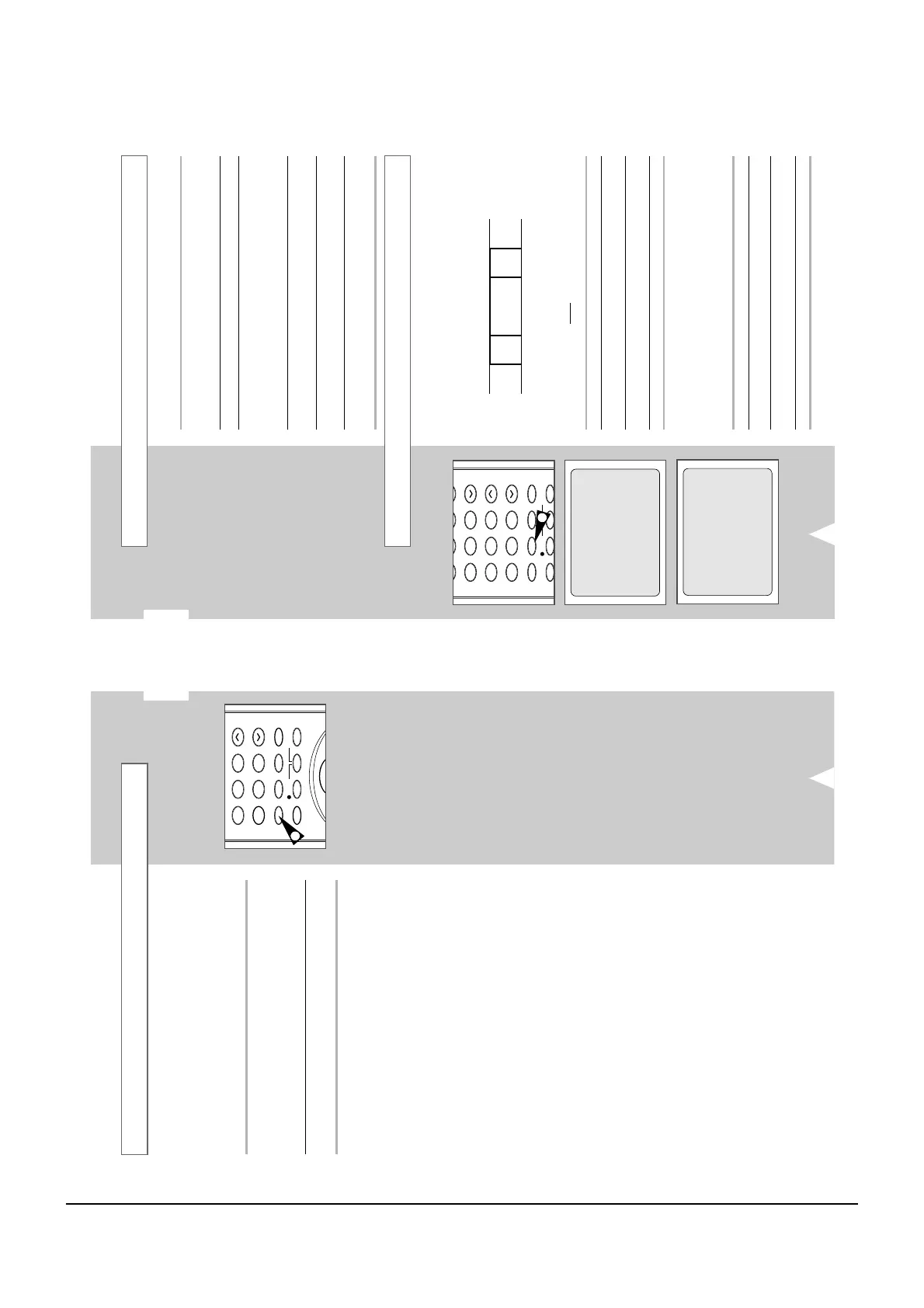
1 Press PLAY, the VCR will enter normal play mode. While in play,
press and release the
(or
¥¥
) button. The VCR will search at 5
times the normal playback speed.
2 To return to normal playback mode, press the
button.
3 If you press and HOLD down the
(or
¥¥
) button the VCR will
search at 9 times the normal speed. Releasing the
button will
return the VCR to search at 5 times the normal speed. To return to
normal playback mode, press the
button.
4 Whilst in Picture Search mode, if you press the
button again,
the VCR will enter normal Fast Forward mode.
5 Likewise, whilst in Picture Search
¥¥
mode, if you press the
¥¥
button again, the VCR will enter normal Rewind mode.
6 If, when Rewinding (
¥¥
) or Fast Forwarding (
), you press the
¥¥
(or
) button, the VCR will enter the Picture Search mode.
Searching for a Specific Sequence
Each time you record a cassette on this VCR, an “index” is
automatically marked on the tape when recording starts.
The Search function allows you to fast-forward or rewind to a
specific index and start playback from that point. Depending on the
direction selected, the indexes are numbered as follows:
etc.
Prev
Seq.
Seq. being
played
Next
Seq.
etc.
21 12
➞
➢ This VCR uses a standard indexing system (VISS). As a
result, it will recognize any indexes marked by other
VCRs using the same
system and vice versa.
INTRO SCAN
1 To search for a specific index, press INDEX.
2 Press the
¥¥
or
buttons depending on the direction
where your desired programme is located.
3
When an Index mark is found the VCR will playback the tape for 5
seconds, after which it will continue searching for the next Index mark.
4
If you want to watch the tape from a particular Index, simply press
.
Index Skip Search:
This feature will enable you to fast forward/rewind to a specific
point on a tape: E.g. if you have recorded 3 different programmes
on a tape and you have rewound the tape to the beginning, by
using this feature you can go directly to the start of programme 2
simply by pressing the INDEX button.
1 Press the INDEX to start the Index search.
2 Press the
¥¥
or
buttons twice more. This will take
you directly to the start of the desired programme is located.
3 These Index searches can be made forwards: (press
) or
backwards: (press
¥¥
).
4
To cancel an Index search simply press the
or
■
button.
GB
29
You can:
◆ Stop the cassette at a given frame (image)
◆ Advance one frame at a time
➢ No sound is heard when playing back frame by frame.
1 Press:
◆
PLAY (
) to start playing the cassette
◆
PAUSE/STILL (
II
) to stop the tape at a given frame
◆
F.ADV
to advance frame by frame
2 To return to normal playback, press PAUSE/STILL (
II
) button
again.
☛ When you have been using the Frame-by-Frame function
for more than about five minutes, the VCR will auto-
matically play to protect the cassette and video heads.
➢ Vertical stability: When playing back frame by frame,
interference may be seen on the screen. Press the
TRK
(
i
or
j
)
buttons to minimize this effect.
Playing a Sequence Frame by Frame



 To Next Page