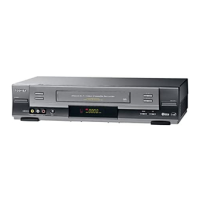
GB
ON/
STANDBY
1
2
3
4
5
6
CH
VTR
DISPLAY
EJECT
MENU
SLOW
PLAY
REW
STOP
TIMER
REC
FF
PAUSE/STILL
CURSOR
12
Tuning Your Television for the VCR
You must tune your television for the VCR only if you are not using
a RCA cable
➢ To view pictures from your VCR when a RCA cable is
used, the television must be set to the audio/video mode
(AV).
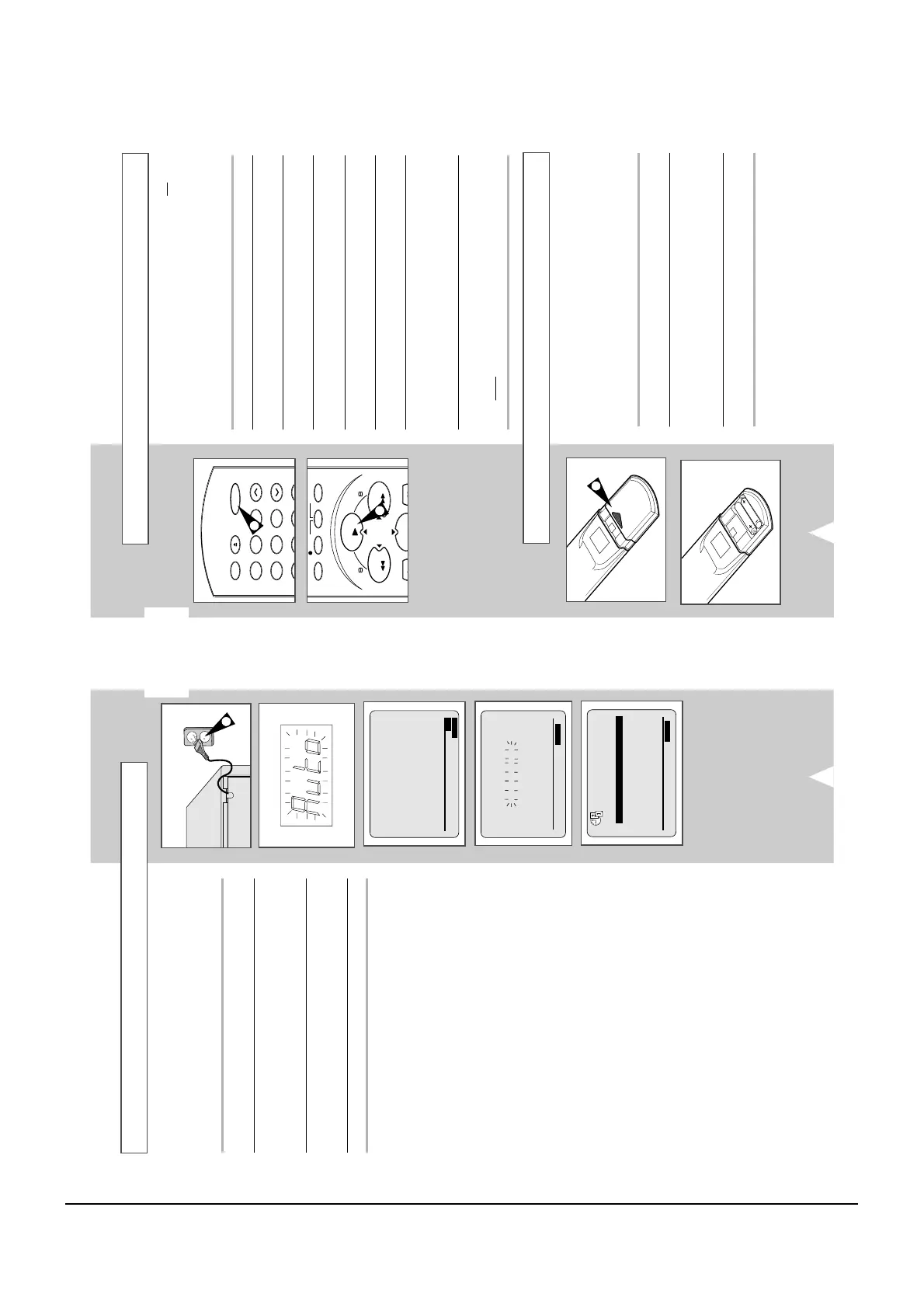
1 Switch on the television.
2 Switch on the VCR by pressing ON/STANDBY on the front of the
VCR or ON/STANDBY on the remote control.
3 Select a programme position on the television to be reserved for
use with your VCR.
4 Insert the video cassette in the VCR. Check that the VCR starts
reading the cassette; if not, press PLAY (
) button
.
5 Start a scan on your television or set the television to UHF
channel 60.
6 Fine tune the television until the pictures and sound are obtained
clearly.
7 If you cannot find the pictures and sound, or there is interference
from nearby channels, it may be necessary to change the setting
of the VCR output channel (see Solving Problems section of this
manual).
8 When the picture and sound are perfectly clear, store this channel
at the desired programme position on the television.
Result
:
That programme is now reserved for use with your VCR.
4
2
You must insert or replace the batteries in the remote control when
you:
◆ Purchase the video cassette recorder
◆ Find that the remote control is no longer working
correctly
1 Push the tab in the direction of the arrow to release the battery
compartment cover on the rear of the remote control.
2 Insert two AAA, R03 or equivalent batteries, taking care to respect
the polarities:
◆
+ on the battery with + on the remote control
◆
– on the battery with – on the remote control
3 Replace the cover by aligning it with the base of the remote
control and pushing it back into place.
➢ Do not mix different battery types (manganese and
alkaline for example).
Inserting Batteries in the Remote Control
1
MON
12:00 1/JAN/2001
¥
END:MENU
Your VCR will automatically set itself up when it is plugged into the
mains for the first time. TV stations will be stored in memory. The
process takes a few minutes. Your VCR will then be ready for use.
1 Connect the coaxial cable as indicated on page 9.
(Connecting Your VCR to the TV Using the Coaxial Cable)
2 Plug the VCR into the mains.
A message appears “AUTO SET-UP WILL BE STARTED. CHECK
ANTENNA AND TV CABLE CONNECTION” and then press OK to
proceed.
3 The process will finish after a few minutes.
◆
The number of stations automatically stored by the VCR
depends on the number of stations that it has found.
4 On completion, press MENU twice to exit the menu.
AUTO SET-UP WILL BE
STARTED.
CHECK ANTENNA AND
TV CABLE CONNECTION.
PROCEED:OK
END:MENU



 To Next Page