¥
OK END:MENU
Your VCR displays most information both on the VCR and the
television.
You can choose to display or hide this information on the television
screen (except for the Index, Programming MENU which cannot be
hidden).
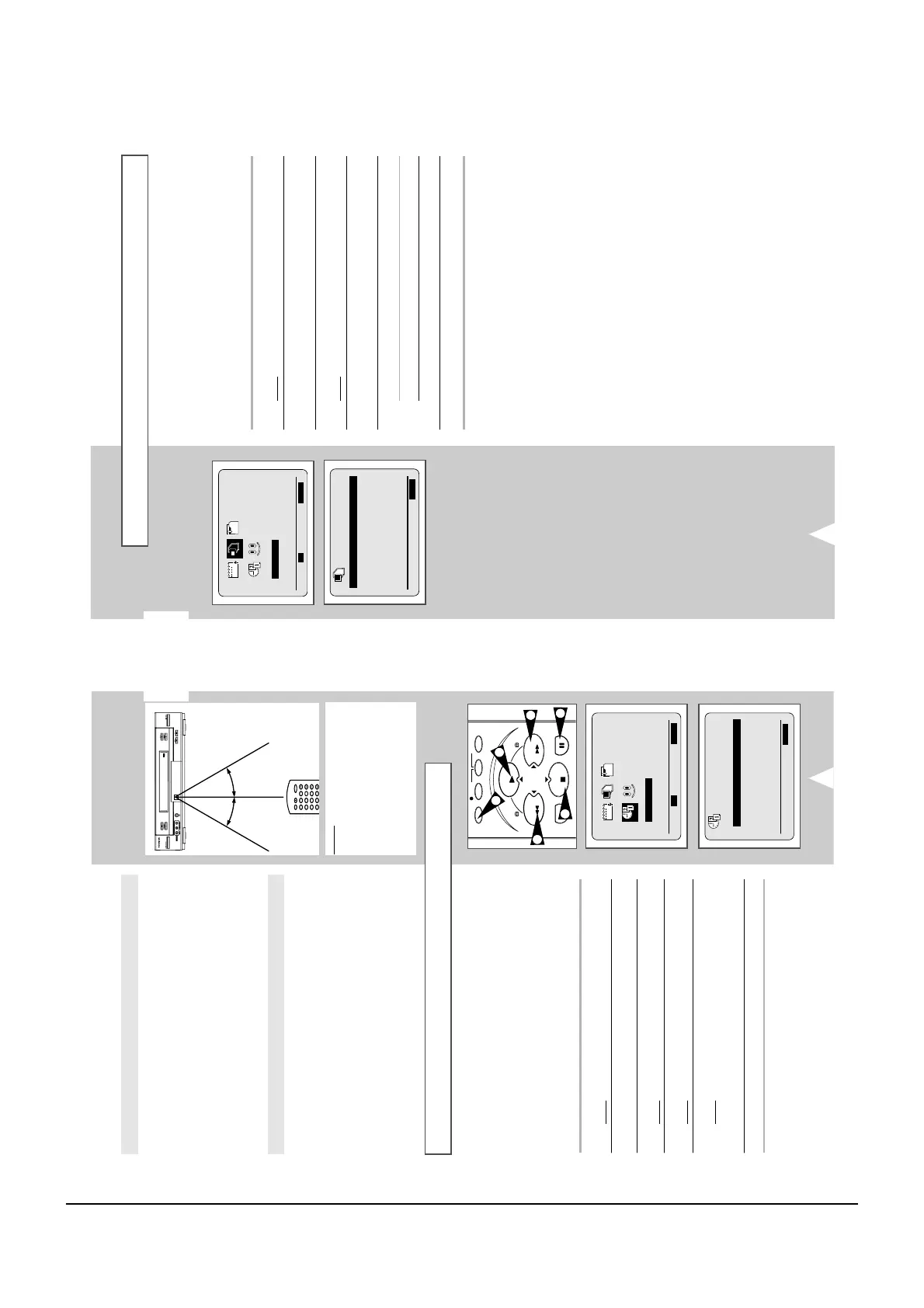
1 Press MENU on the remote control.
Result
: The programming menu is displayed.
2 Press the corresponding
,
or
¥
,
buttons to select the
USER SET option.
3 Press the OK button to select this option.
Result
: The USER SET menu is displayed.
4 Press the corresponding
or
buttons, until the OSD option is
selected.
5 To... Press
¥
or
, until...
Display on-screen information ON is displayed.
Hide on-screen information OFF is displayed.
6 On completion, press MENU twice to exit the menu.
MON
12:00 1/JAN/2001
¥
END:MENU
¥
OK END:MENU
Your VCR contains a 24-hour clock and calendar used to:
◆ Automatically stop programme recording
◆ Preset your VCR to record a programme automatically
You must set the date and time when:
◆ You purchase the video cassette recorder
◆ The power supply remains off for more than 1 hour
☛ ◆ Do not forget to reset the time when you change
clocks from winter to summer time and vice versa.
1 Press MENU on the remote control.
Result
: The programming menu is displayed.
2 Press the corresponding
,
or
¥
,
buttons to select the
CLOCK SET option.
3 Press the
OK
button to select this option.
Result
: The CLOCK SET menu is displayed.
4 Press
¥
or
to select the hour, minutes, day, month and year.
Result
: The option selected flashes.
5 Press the
or
buttons to increase or decrease the value.
Result
: The day of the week is displayed automatically.
➢ You can hold the
or
buttons down to scroll more
quickly through the values.
6 On completion, press MENU twice to exit the menu.
2
◆ The life of the batteries is about 1 year depending on the
conditions of use.
◆ If the remote control does not operate correctly, replace all
batteries with new ones.
◆ Do not dispose of the batteries by fire.
◆ If the remote controller is not to be used for a long period of
time, remove the batteries to avoid possible damage from battery
corrosion.
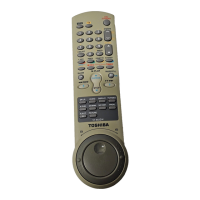
◆ When using the remote controller, press the buttons at intervals
of about 1 second to ensure the correct mode of operation.
◆ Keep the remote controller away from extremely hot or humid
places and avoid sharp impacts.
◆ Do not expose the remote sensor of the VCR to a strong light
source such as direct sunlight or illumination (especially high-
frequency lighting) when using the remote controller.
◆ Be careful do not to spill water on the remote controller or to
place it on anything wet.
Notes on Batteries
Caring for the Remote Controller



 To Next Page