EasyManua.ls Logo

Toshiba VN-U00151SY-E - User Manual

Toshiba VN-U00151SY-E
22 pages
Print Icon
To Next Page IconTo Next Page
Loading...
Model name:
VN-U00151SY-E
VN-U00351SY-E
VN-U00651SY-E
VN-U01001SY-E
VN-U00251SY-E
VN-U00501SY-E
VN-U00801SY-E
English
Concealed Microcomputer
Control Type
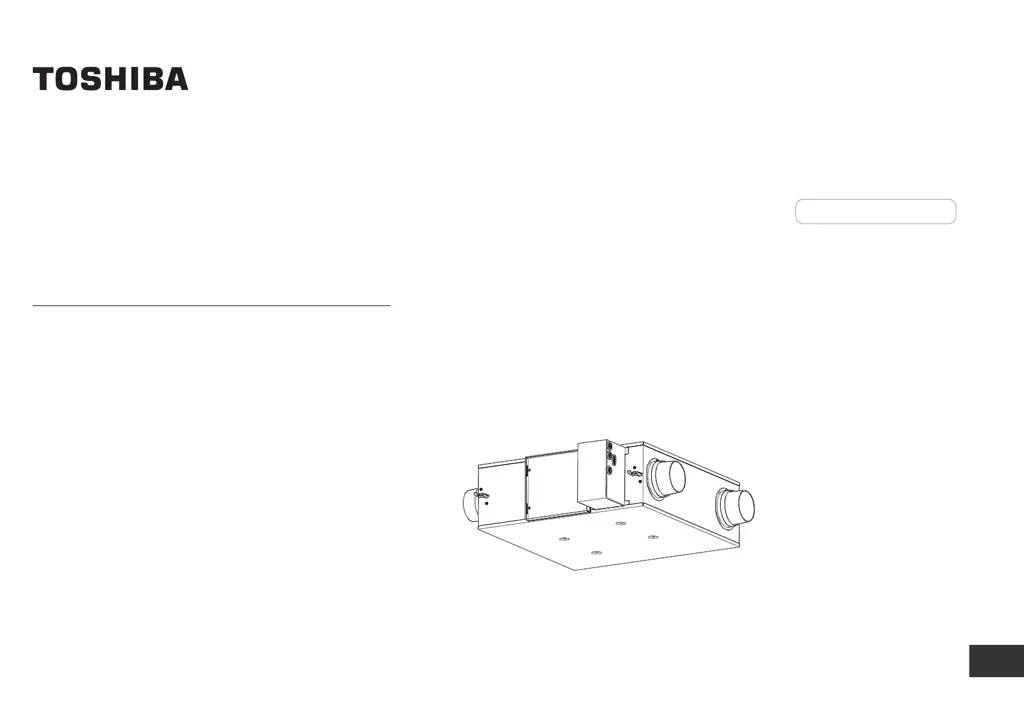
HEAT RECOVERY VENTILATION UNIT
Owner’s Manual
For commercial use

Other manuals for Toshiba VN-U00151SY-E

Questions and Answers

  • M
    Monica MillerSep 23, 2025
    What should I check if my Toshiba Fan shows error J14?
    • S
      Suzanne HughesSep 23, 2025
      To troubleshoot error J14 on your Toshiba Fan, verify that the EA shutter is open when the fan is ON while the Heat recovery ventilation unit is running and check for any obstructions blocking the air passage between RA and EA.
  • L
    Lauren MuellerAug 25, 2025
    What to do if the damper does not open or close in Toshiba Fan?
    • R
      Ryan IbarraAug 25, 2025
      If your Toshiba Fan's damper isn't opening or closing, there might be a few reasons. First, check for loose connections and connect them firmly or replace the assembled connector with a new one. If the coil of the damper motor is broken, you'll need to replace the damper motor. Finally, check for any obstructions on the sliding part and remove them.
  • K
    Kendra LeachAug 25, 2025
    Why is the motor not running fast enough on my Toshiba VN-U00151SY-E Fan?
    • M
      Mary AdamsAug 26, 2025
      If your Toshiba Fan's motor isn't running fast enough, it could be due to the motor bearing not running smoothly. In this case, replace the motor with a new one.
  • M
    Michael PerkinsAug 27, 2025
    Why does my Toshiba Fan start running by itself?
    • L
      lisa03Aug 27, 2025
      If your Toshiba Fan starts running without you operating the remote controller, it could be because the unit has just recovered from a power failure or you've just turned on the circuit breaker. The settings concerning recovering from power failure or start/stop by power on/ off are set to CODE No. [28] [9D] “ON”. Consult your dealer for details.
  • M
    Michael ClarkAug 27, 2025
    What to do if the operation lamp does not turn on in Toshiba VN-U00151SY-E?
    • J
      John BakerAug 27, 2025
      If the operation lamp does not turn on, check if the “ ” or “ ” indicator appear on the display. The nighttime heat purge operation or 24-hour ventilation is set to CODE No. [4C] [49] “ON”. See section “6. Control outline No.4 and No.8” for specification outline.
  • M
    Mary FritzSep 13, 2025
    What does error L08 mean on a Toshiba VN-U00151SY-E?
    • M
      Matthew Jones Jr.Sep 14, 2025
      Error L08 on your Toshiba Fan indicates an indoor address setting trouble, meaning the indoor address group has not been set.
  • G
    gregoryortizSep 12, 2025
    What does error E18 mean on my Toshiba Fan?
    • J
      James MaxwellSep 12, 2025
      Error E18 on your Toshiba Fan indicates an issue with the indoor PC board. Regular communication is not possible between header and follower indoor units, or between twin header (main) and follower (sub) units.
  • C
    Cynthia PerezSep 12, 2025
    What does error L03 mean on a Toshiba VN-U00151SY-E?
    • C
      Christopher RodriguezSep 12, 2025
      Error L03 on your Toshiba Fan indicates an indoor address setting trouble, meaning there are two or more header units in the group.
  • C
    Christopher AndersonSep 4, 2025
    What does error E11 mean on my Toshiba VN-U00151SY-E Fan?
    • B
      brian17Sep 4, 2025
      Error E11 on your Toshiba Fan indicates a communication problem between the Application control kit and the indoor unit. Start by checking the connector on the indoor unit (CN521 (red)) for the Application control kit. Then, check the connection of the indoor-Application control kit communication line. After that, inspect the indoor PC board and the Application control kit PC board.
  • C
    caitlinfryeSep 2, 2025
    How to fix communication trouble between control PC board on Toshiba VN-U00151SY-E (Error E10)?
    • J
      Jeffrey JohnsonSep 2, 2025
      If your Toshiba Fan displays error E10, it indicates a communication issue between the control PC board. First, check the connectors on the indoor unit (CN520 (blue) and CN570 (blue)). Then, inspect the communication line between the indoor unit control PC board and the Branch PC board for UART. Finally, check both the indoor control PC board and the Branch PC board of UART for any defects.

Summary

Qualified Personnel Definition

Understanding Safety Warnings

Interpreting Hazard Indicators

Explains the meaning of WARNING and CAUTION symbols for user safety.

General Safety Precautions

Safe Handling and Installation

Covers crucial safety aspects for operating, installing, and transporting the unit.

Electrical Safety During Installation

Highlights the importance of qualified personnel for electrical work during installation.

Operational Safety and Maintenance

Installation Location and Component Safety

Warns against hazardous locations and using non-specified parts for installation.

Safe Operation and Servicing Procedures

Details safe practices for unit operation, maintenance, and access to internal parts.

Guidance for Repairs and Relocation

Advises on safety protocols for unit repairs and relocation by professionals.

Further Operational Cautions and Disposal

Specific Installation and Operation Warnings

Details cautions regarding power supply, special uses, wet conditions, and location.

Operational Hazards and Environmental Concerns

Covers risks like chemical exposure, high temperatures, flammable sprays, and animal harm.

System Configuration Examples

Ventilation Settings and Modes

Detailed Ventilation Menu Operations

Operating Specific Ventilation Functions

Configuring Schedule Timer

Timer Operation Settings

Understanding Timer Types

Explains the different timer types: Off timer, Off reminder timer, and On timer.

Setting and Managing Timers

Guides on how to set, cancel, and manage timer operations for the unit.

Advanced Timer Configurations

Unit Maintenance Procedures

Filter Cleaning and Reset

Guides on cleaning filters and resetting the filter sign indicator.

Product Specifications

Troubleshooting and Service

Pre-Service Checks and Symptoms

Lists common issues, causes, and checks before contacting service.

Error Codes and Contacting Support

Explains how to check error codes and find contact information for repairs.

Toshiba VN-U00151SY-E Specifications

General IconGeneral
BrandToshiba
ModelVN-U00151SY-E
CategoryFan
LanguageEnglish

Related product manuals