21
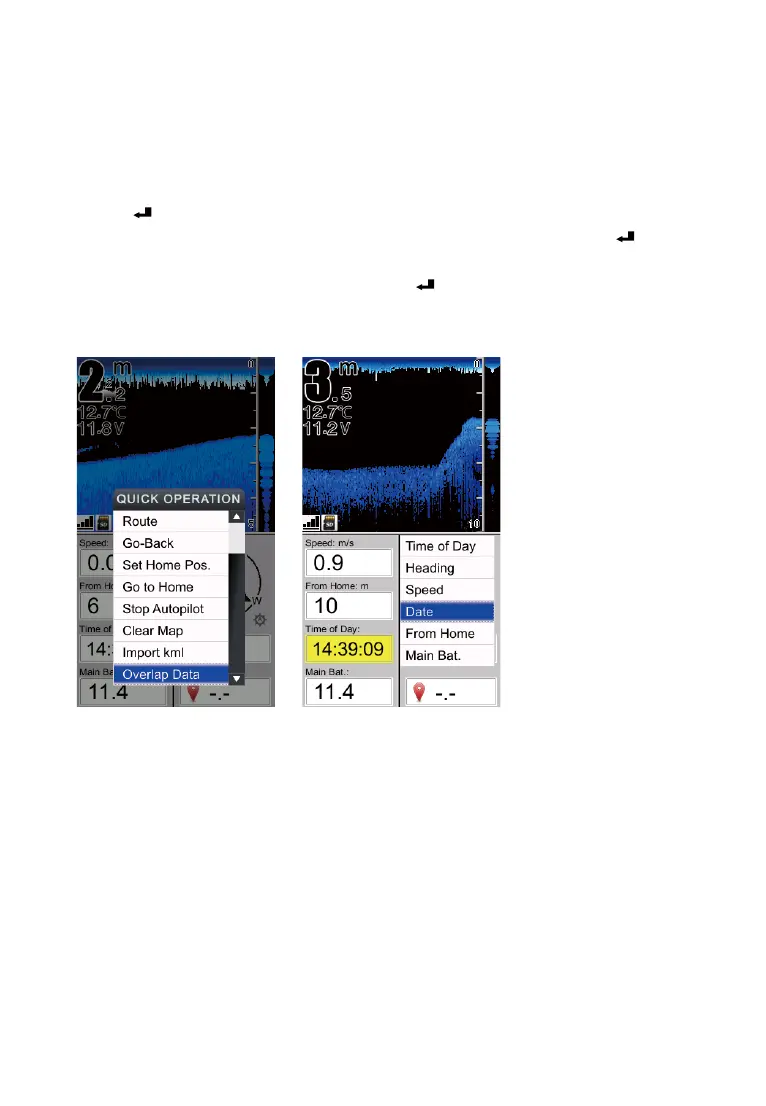
How to set the Overlap Data?
1) Press Key to enter into [QUICK OPERATION], then choose[Overlap Data]
2) Use keypad to choose an option which you hope to change, then press key to
enter into the option menu.
3) Choose an new option to replace, and press Key to conrm.
You can use Overlap Data to determin which option will be displayed on
screen: Time of day, Heading, Speed, date, etc.
Change the displayed option on screen


 To Next Page