Problem and solution:
* Red light (LED under POWER key) does not blink
when you press a key?
- Replace batteries with 2 fresh, new AAA alkaline
batteries.
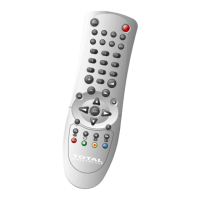
* The TOTAL CONTROL 8 does not respond after
pressing a key?
- Make sure you are using new batteries and are
pointing the TOTAL CONTROL 8 at your device.
* The TOTAL CONTROL 8 does not operate your
device(s)?
- A) Try all the codes listed for your brand.
B) Try the Code search on page 6 - 7.
* Your brand is not listed in the TOTAL CONTROL 8
code section?
- Try the Code search on page 6 - 7.
* The TOTAL CONTROL 8 is not performing commands
properly?
- You may be using the wrong code. Try repeating the
Direct Set-Up using another code listed under your
brand or start the search method over again to
locate the proper code.
* Problems changing channels?
- Enter the channel number exactly as you would on
your original remote.
* Is the Video not recording?
- As a safety feature on your TOTAL CONTROL 8, you
must press the Record key twice.
9
Useful hints


 To Next Page
 Loading...