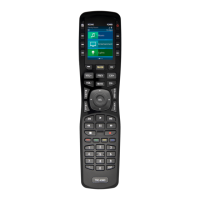
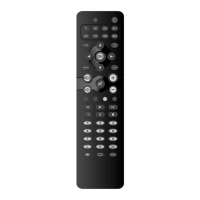
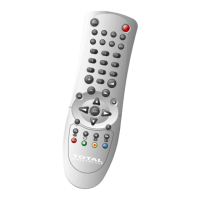
Example: to set up the TOTAL CONTROL 8 for
yourTelevision:
1. Switch your Television on (not on standby).
2. Find your device code in the code section (page
73 – 94) Codes are listed by brand name. The
most popular code is listed first. Make sure your
television is switched on (not on standby).
3. Press and release the TV key on your
TOTAL CONTROL 8
4. Then press and hold down the SETUP
key and keep it pressed until the red
light (under the POWER key) blinks twice.
5. Enter your 4-digit code, using the
number keys. The red light blinks twice.
6. Now, point the TOTAL CONTROL 8
towards your Television and press the
POWER key. If your Television switches
off, the TOTAL CONTROL 8 is installed.
- Most TV’s do not switch back on pressing the
POWER key, please try pressing a “number” key to
switch your TV back on.
- If your device does not respond, follow steps 2
through 6 with each code listed for your brand. If
none of the codes listed for your brand operate your
device, then try the Search Method described on
page 6 - 7, even if your brand is not listed at all.
- Some codes are quite similar. If your device does not
respond or is not functioning properly with one of
the codes, try another code listed under your brand.
5
Setting up your TOTAL CONTROL 8
____


 To Next Page
 Loading...