11
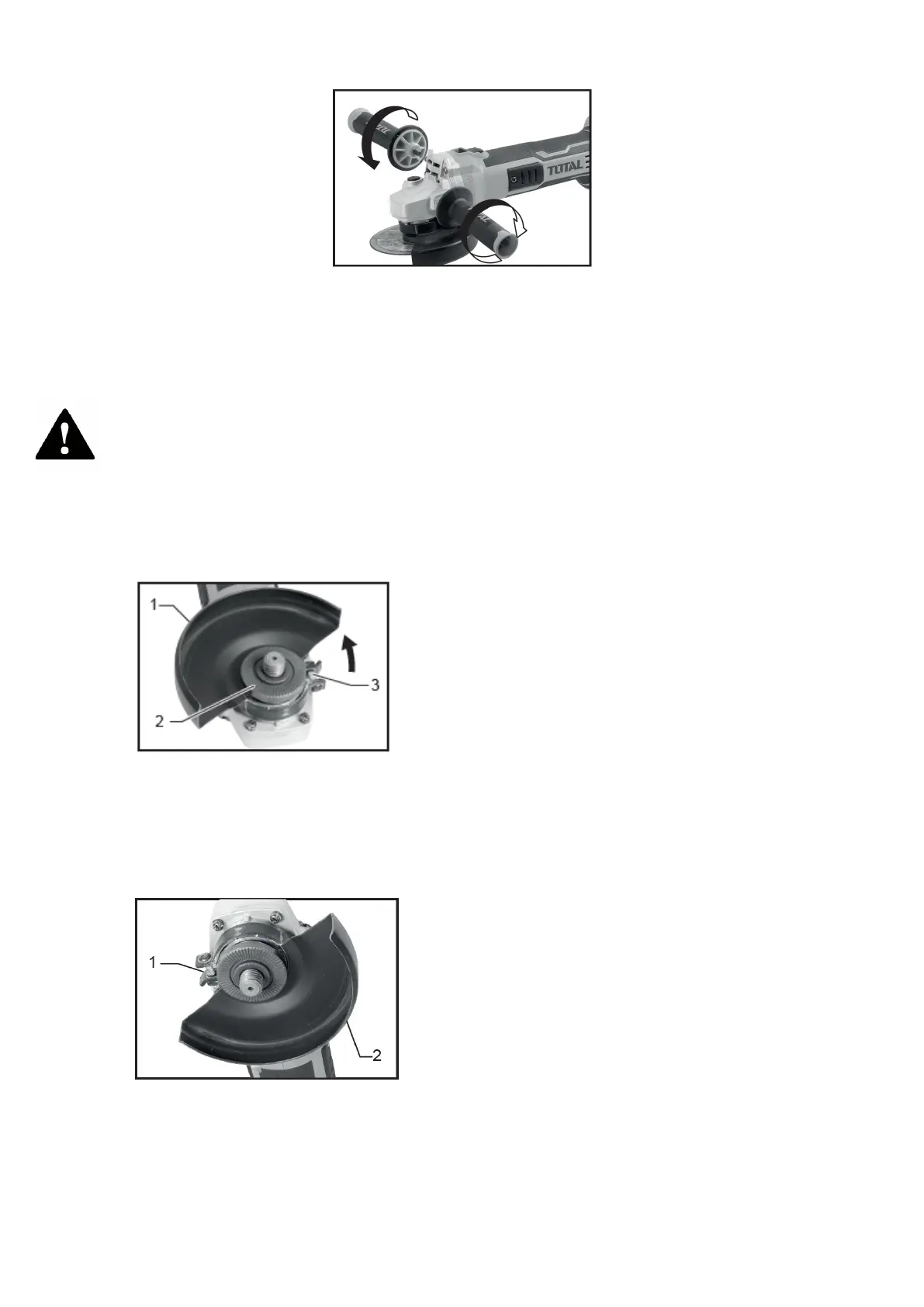
Firmly screw the side grip into the position of the tool as shown in the figure.
NOTE: This handle must be used at all times to maintain full control of the tool.
Installing or removing the blade guard (for depressed center blade,
abrasive/multi-disc cut-off wheel, diamond blade)
Attention
• When using a depressed center/multi-disc grinding wheel, wire wheel brush,
cut-off wheel, or diamond wheel, the wheel guard must be installed on the tool
so that the closed side of the guard always faces towards the operator.
• When using an abrasive diamond / cut-off wheel, be sure to use only the
special blade guard designed for use with cut-off wheels.
For tool with clamping lever type wheel guard
• Loosen the blade guard lever after loosening the screw.
• Mount the blade guard with the projection on the blade guard band aligned with
the notch in the bearing housing.
• Then rotate the blade guard to an angle such that it can protect the operator
depending on the job.
• Squeeze the lever to hold the blade guard.
• If the lever is too tight or too loose to hold the guard, loosen or tighten the screw
to adjust the tightness of the blade guard band.
• To remove disk protection, follow the installation procedure in reverse
2. Bearing housing


 To Next Page