9
Pre-Set Menu Selection
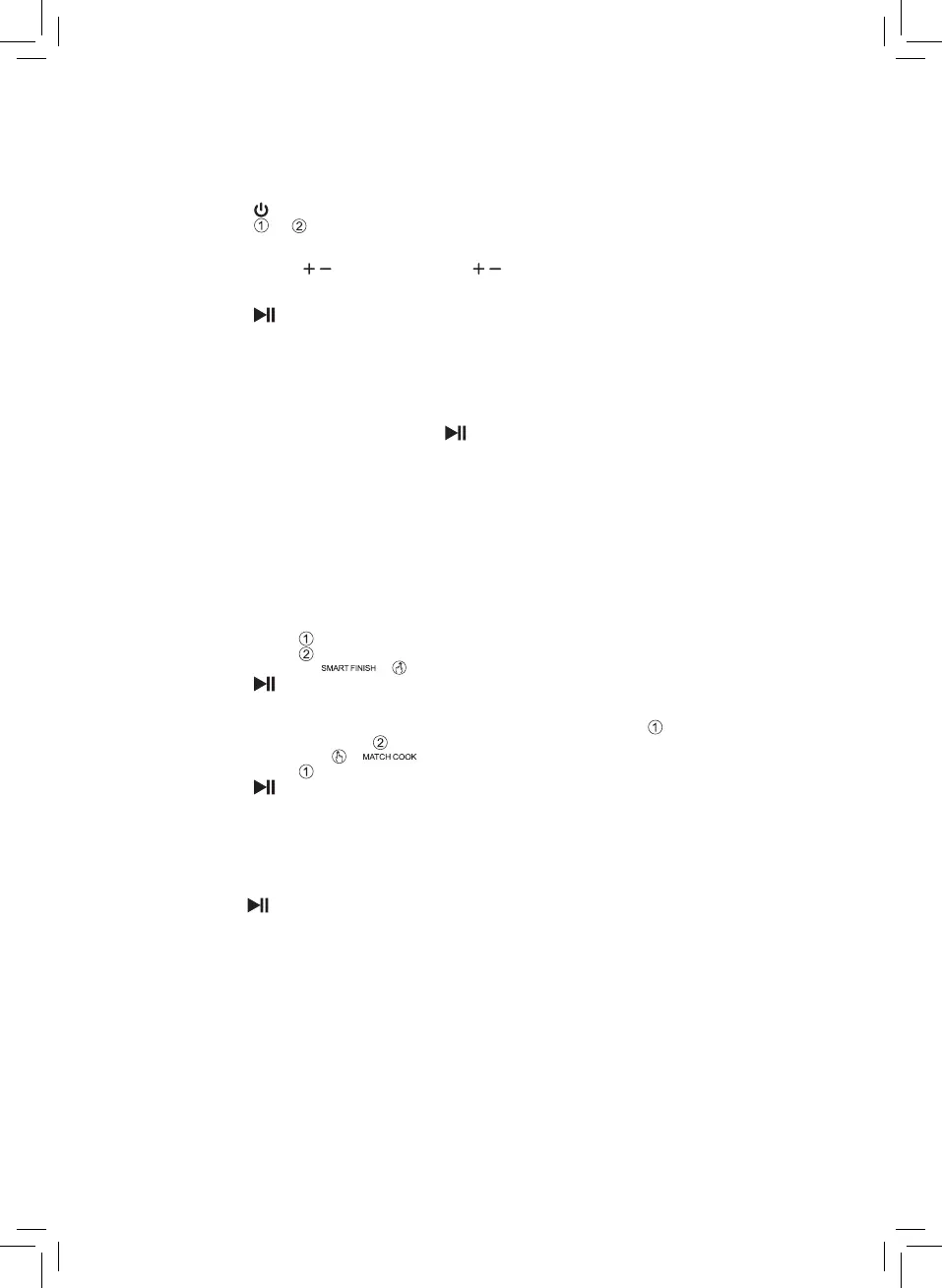
Once plugged in and in stand-by:
1. Place the food in the drawer(s). CAUTION: DO NOT EXCEED THE MAX FILL LINE.
2. Touch the key.
3. Touch the or .key, depending which drawer has food in.
4. Touch the icon of the cooking function required.
5. The default temperature and timer will show in the display alternately. Touch
the Temperature / keys and the Time / keys to adjust the temperature and
operation time if required.
6. If using both drawers touch the other drawer key and repeat steps 3 and 4.
7. Touch the key to start operation.
8. When the operation time has elapsed there will be an audible signal, the display
will show ‘00’ and the heating element will stop working. The motor will continue to
operate for approximately 1 minute to cool the unit down before entering standby
mode.
9. Remove the drawer from the appliance and place it on a heat-resistant surface.
10. Check if the food is ready:
• If the food is not ready yet, return the drawer to the appliance, set the timer to
a few extra minutes and press the key.
• If the food is ready empty the drawer into a bowl or onto a plate. Take care if tilting
the drawer as any excess oil that has collected on the bottom of the drawer will
leak onto the ingredients.
CAUTION: Take care when tilting the drawer as the grill plate may move.
CAUTION: DO NOT touch the drawer during and for some time after use, as it gets very
hot. Only hold the drawer by the handle.
When a batch of food is ready, the appliance is instantly ready for preparing another
batch. However, if the appliance is not required for further cooking, turn it off and unplug
it from the mains socket. Leave the drawer(s) open to allow the unit to cool down more
quickly.
Smart Finish:
1. Program drawer .
2. Program drawer .
3. Select Smart Finish .
4. Touch the key to begin operation.
Match Cook:
If cooking the same food in both drawers, set the program for drawer as detailed above
and then MATCH COOK drawer :
1. Select MATCH COOK .
2. Program drawer .
3. Touch the key to begin operation.
Pre-Heat:
To pre-heat the appliance before cooking:
1. Select the required drawer or both.
2. Select Pre-Heat function button (9). This will pre-heat the drawer at 180ºC for 3
minutes.
3. Press the key.
Note: Pre-heating the grill plate helps achieve a chargrill effect when cooking vegetables,
chicken, meat and fish, or add extra crispness to chips and other coated ingredients.



 To Next Page