11
cooking process is under way.
8. When the operation time has elapsed
there will be an audible signal, the text
‘OFF’ will be displayed on the unit’s LED
screen, and the heating element will
stop working.
9. Check if the food is ready. If the food
is ready remove the corresponding
drawer(s) from the appliance and place
it on a heat-resistant surface. Empty the
drawer into a bowl or onto a plate. Take
care when doing so, as excess oil from
cooking may leak onto the ingredients.
9a. If the food is not ready yet, return the
drawer to the appliance and set the
timer for a few extra minutes, then
press the
key.
9b. When a batch of food is ready, the
appliance is instantly ready for
preparing another batch. However, if
the appliance is not required for further
cooking, turn it off and unplug it from
the mains socket. Leave the drawer(s)
open to allow the unit to cool down
more quickly.
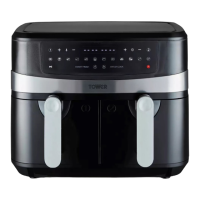
CAUTION! DO NOT touch either drawer
during and for some time after use, as they
get very hot. Only hold either drawer by the
handle.
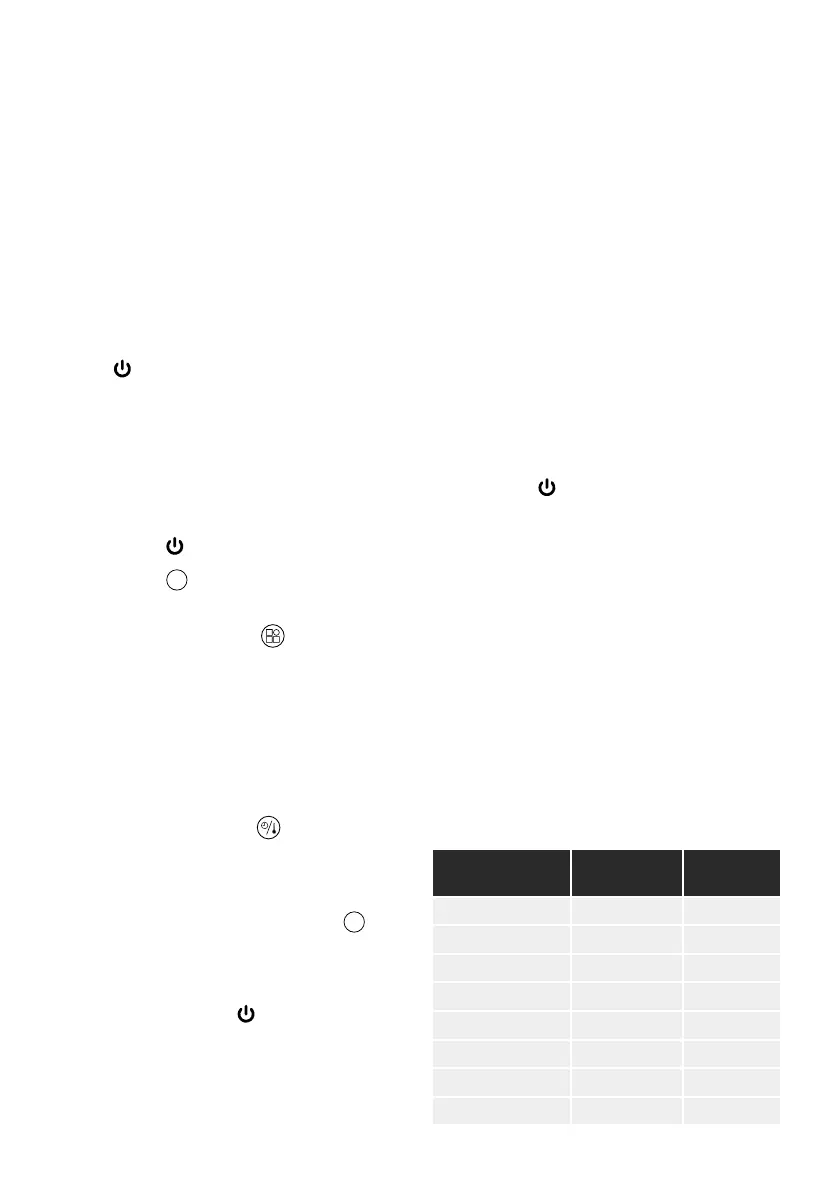
PRE-SET MENU TABLE
NOTE! Items in the large drawer should be
left cooking for 5 minutes extra.
PRE-SET MENU SELECTION
(Once plugged in and in stand-by)
1. Place the food in the drawer(s), taking
2. Touch the
key.
3. Touch the
1
key to select
the desired compartment.
4. Repeatedly touch the
key to cycle
through and select the available pre-
set functions. There will be a sound
indicate the corresponding pre-set has
been selected, and the default time and
temperature settings for that program
will be displayed on the unit’s LED
screen.
5. If required, touch the
key to activate
the temperature or time selection
functions, then the + and - keys to adjust
each setting manually, as desired.
6. If using both drawers, touch the
2
key
on the unit’s control panel and repeat
steps 3 and 4.
7. Once the desired pre-set menus have
been set, press the
key to start the
cooking process. The digits on the unit’s
program indicators with the exception
of the selected one will go out, and the
fan will begin to operate to show the
MENU
DEFAULT
TIME (MIN)
DEFAULT
TEMP (ºC)
Fries/Chips 20-25 200
Cake 25-30 150
Steak 15-20 200
Chicken 35-40 200
Drumsticks 12-17 190
Prawns 12-17 190
Sausage 12-17 160
Pie 25-30 200
2. Once the Timer function has been
activated, press the + and - keys on the
corresponding side of the air fryer to
adjust the cooking time by increments
of 1, from 00:00 to 60:00 Short press
each key to adjust this setting gradually
or press and hold to change the time
more quickly
3. If required, repeat this process for the
other drawer. Once the correct cooking
time for each drawer has been set, press
the
key to start the cooking process.
The unit will automatically begin to
operate at the latest selected settings.



 To Next Page