9
Note: The included carpet cleaning solution can be replaced with any low-foaming
carpet cleaning solutions available in the market.
4. Once the carpet cleaning solution has been measured out and added to the
water tank, top up the remainder of the tank with warm tap water. When the
tank is full, replace the tank cap and turn it clockwise to tighten it and secure it
into place.
Note: The water tank’s maximum working capacity is 1.8 litres.
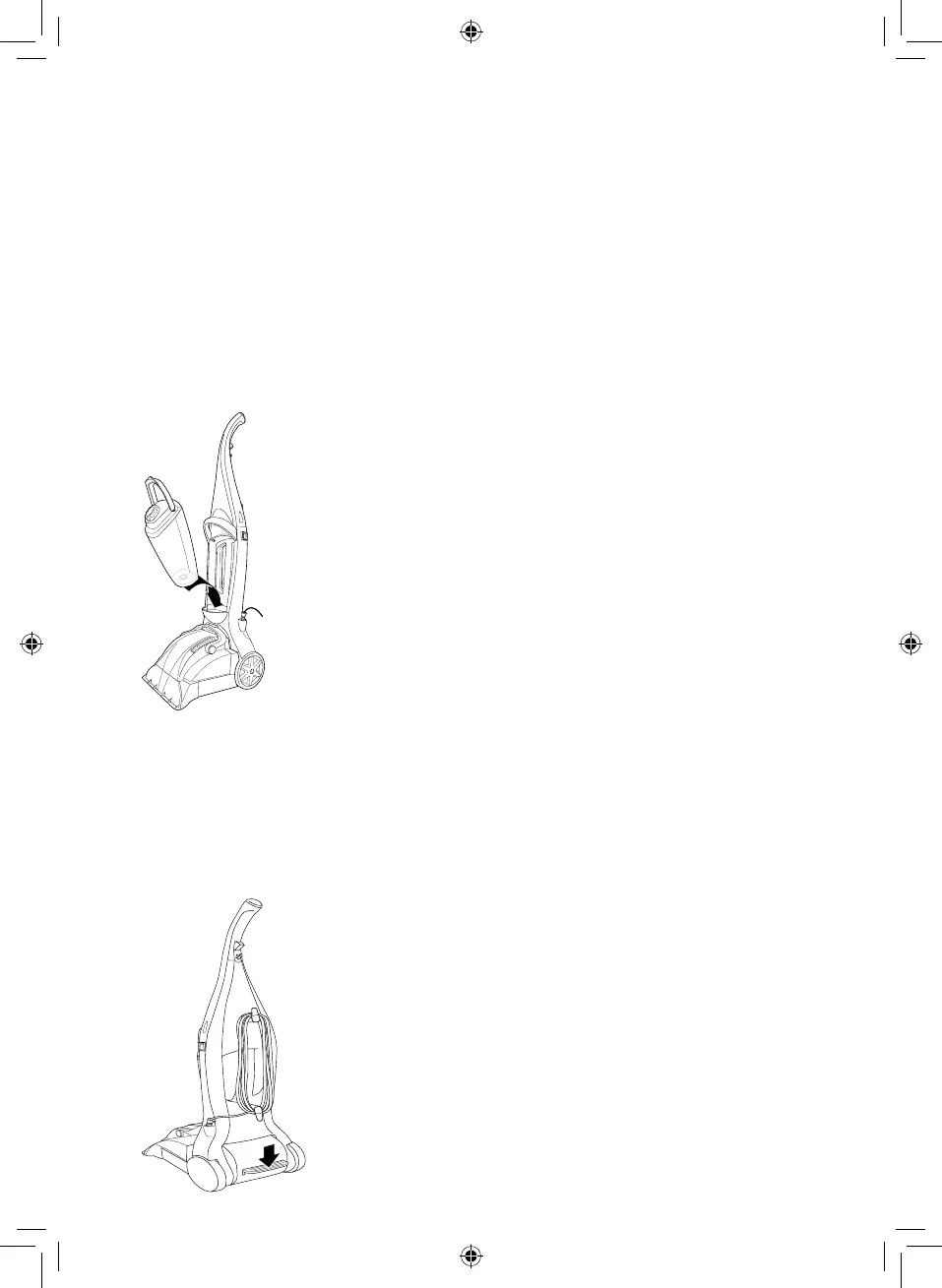
5. When the tank has been lled and securely closed up with the safety cap, push
it back into position inside the main body of the unit and secure it by pushing
the handle downwards until it clicks into place.
Using the Appliance:
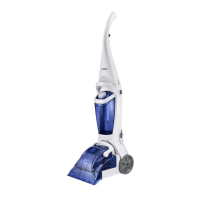
1. When the water tank has been lled, plug the unit into an active mains socket,
ensuring the socket switch is turned to the ON position.
2. Once the unit is plugged in, turn it on by icking the On/Off switch to the On
position.
3. Once the unit is turned on, press down on the handle release pedal to lower
the oorhead into position. The unit is now ready for carpet cleaning.



 To Next Page