257
4-5. Using the driving support systems
4
Driving
4RUNNER (U)
■
Enabling/disabling the pre-collision system
The pre-collision system can be enabled/disabled on (P. 96)
of the multi-information display.
The system is automatically enabled each time the engine switch is
turned to the “ON” position (vehicles without a smart key system) or the
engine switch is turned to IGNITION ON mode (vehicles with a smart
key system).
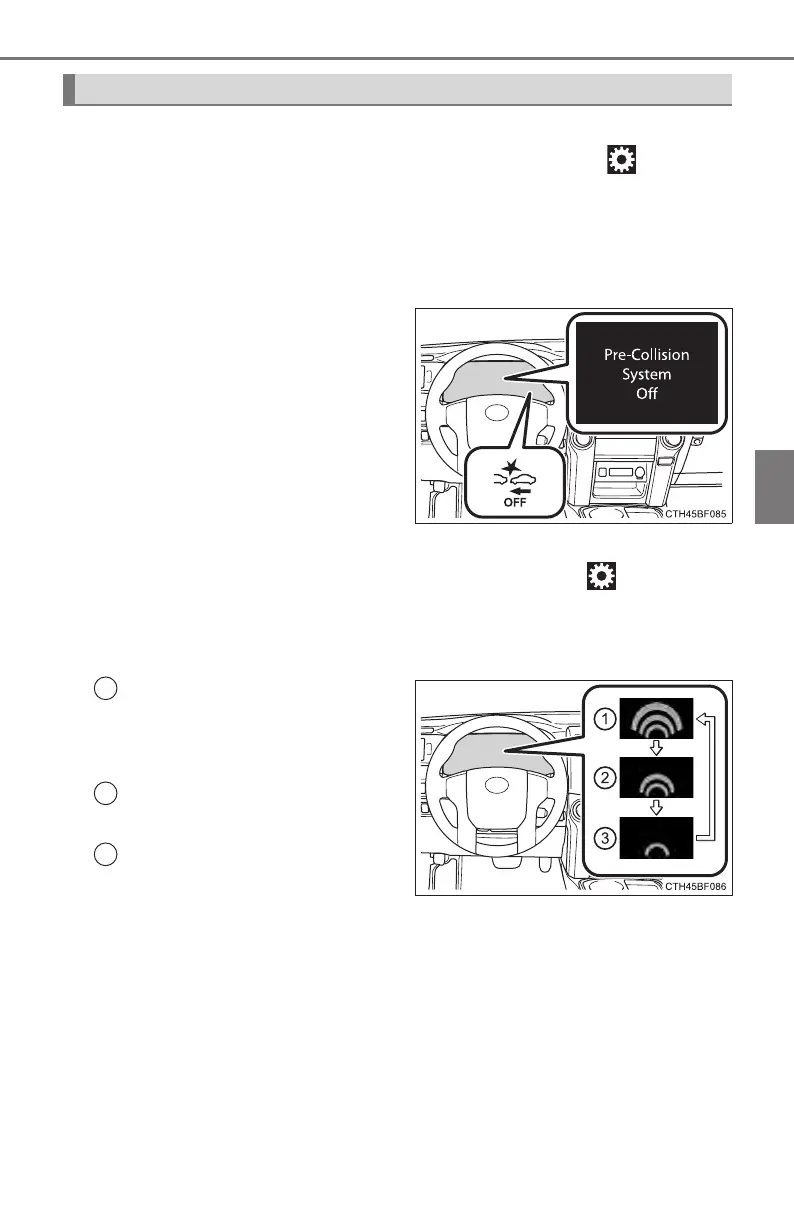
If the system is disabled, the
PCS warning light will turn on
and a message will be dis-
played on the multi-information
display.
■
Changing the pre-collision warning timing
The pre-collision warning timing can be changed on (P. 96) of
the multi-information display.
The operation timing setting is retained when the engine switch is
turned off.
Far
The warning will begin to oper-
ate earlier than with the default
timing.
Middle
This is the default setting.
Near
The warning will begin to oper-
ate later than with the default
timing.
Changing settings of the pre-collision system
1
2
3












 To Next Page